
Mockups
Simplified
Free online mockup generator — studio-quality mockups.
No Photoshop needed.
Browse mockupsHow it works
01Upload
Drop in your design — no Photoshop needed.
02Position
Drag and zoom, placed with real perspective.
03Adjust
Fine-tune highlights and shadows to match the light.
04Export
Download it — web-sized or print-ready.
The library
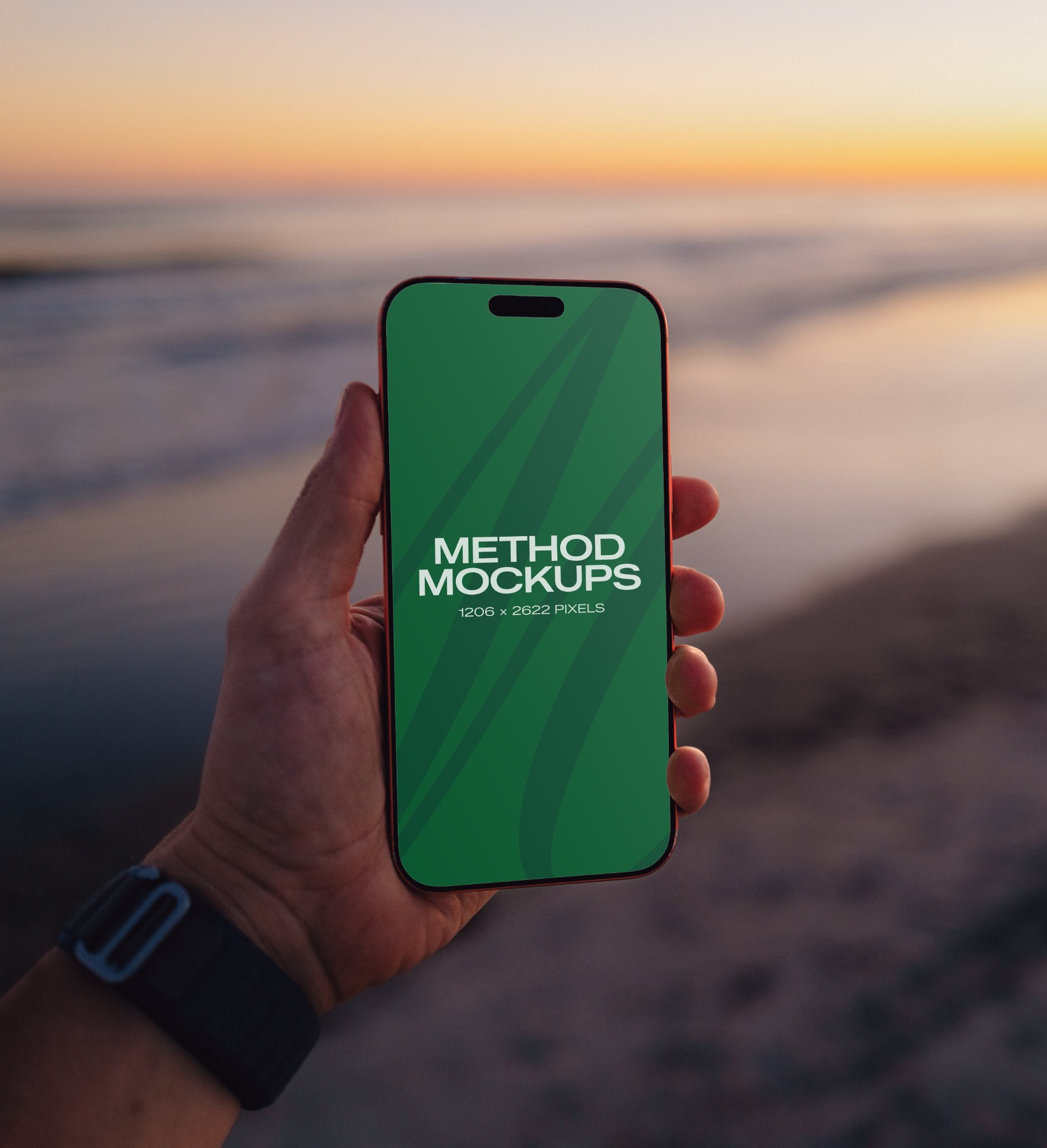
iPhone 17 Pro Max — Beach Sunset
Glow matches screen
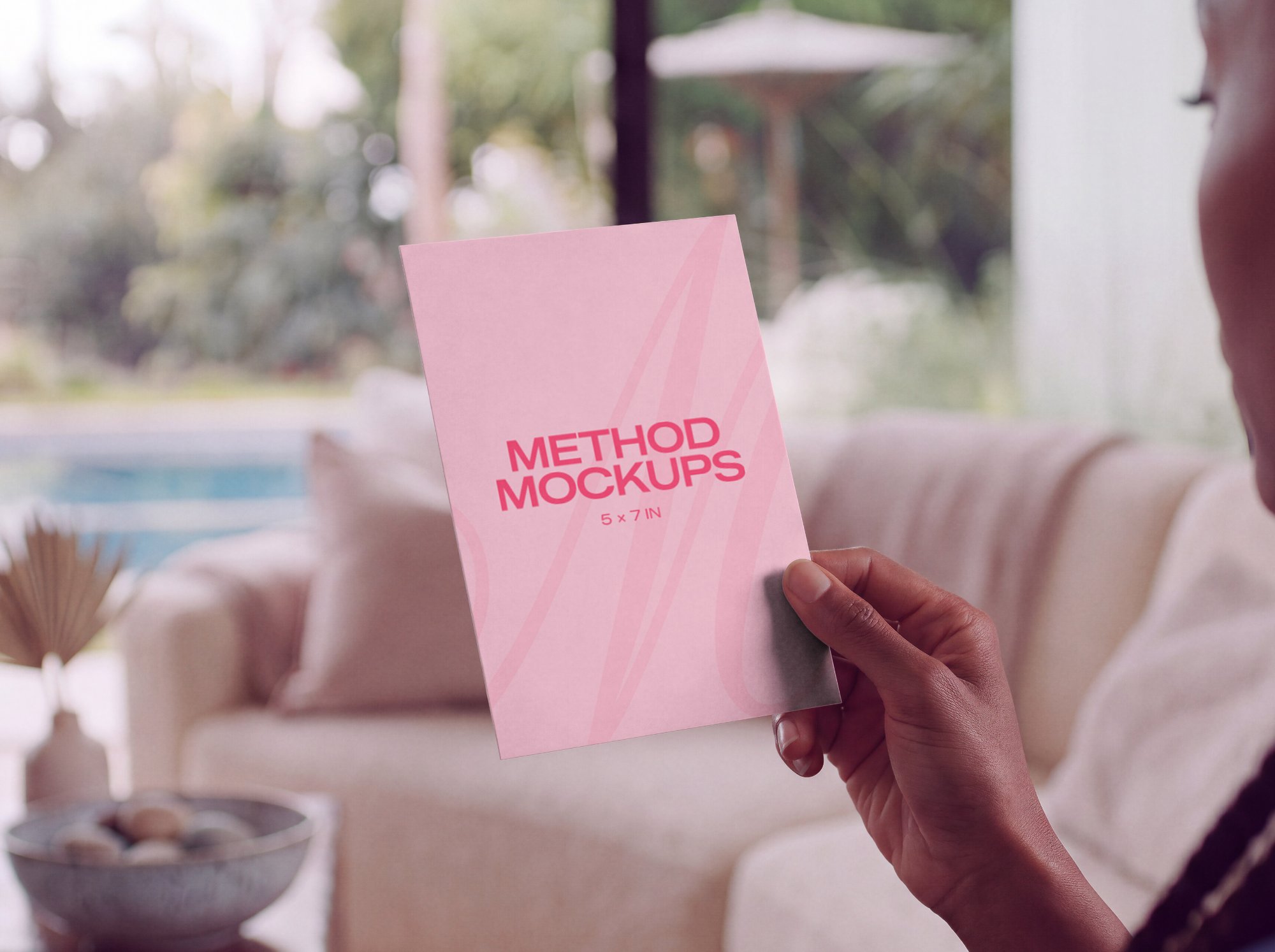
5x7 Card Mockup Held in Hand
Fully adjustable shadows
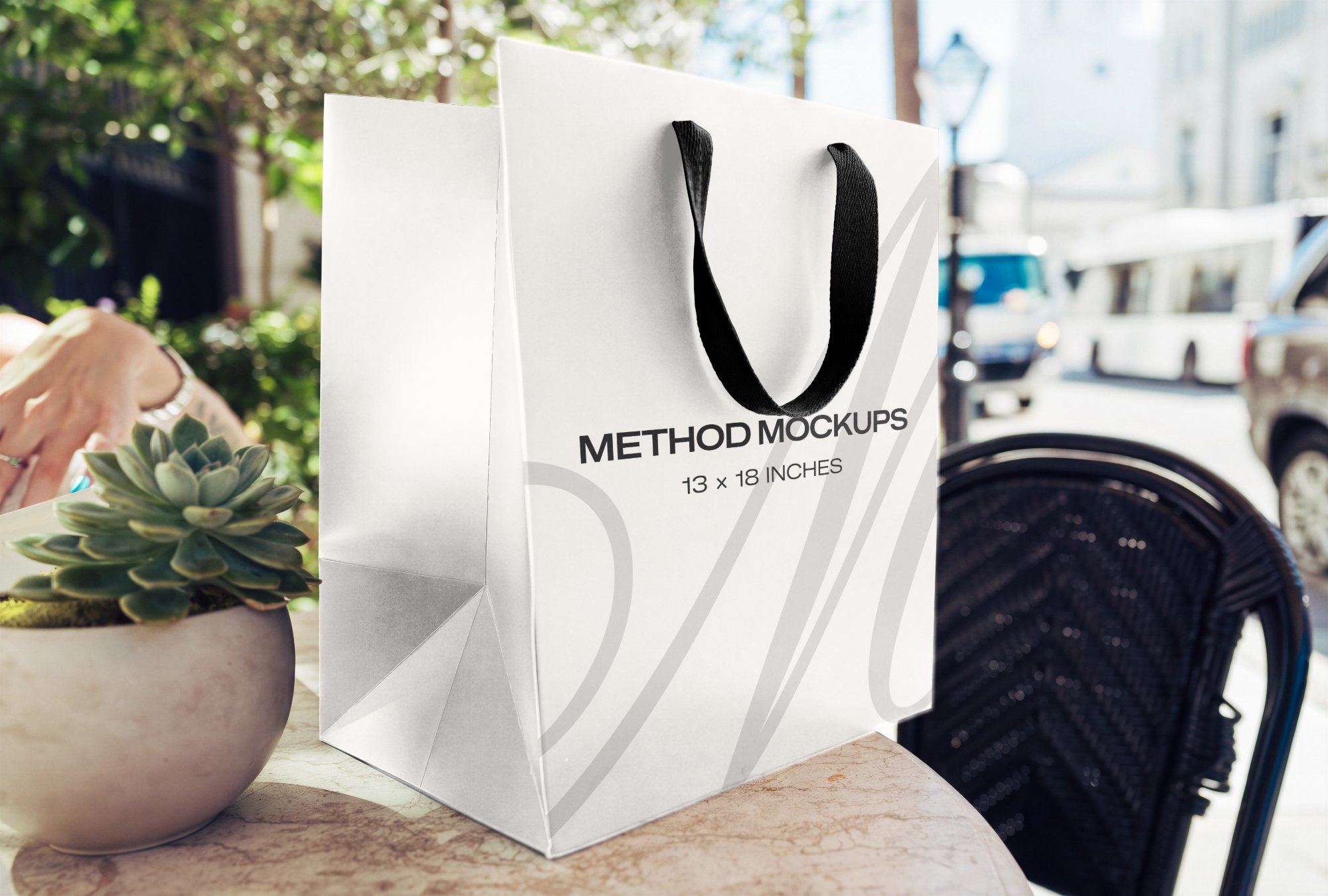
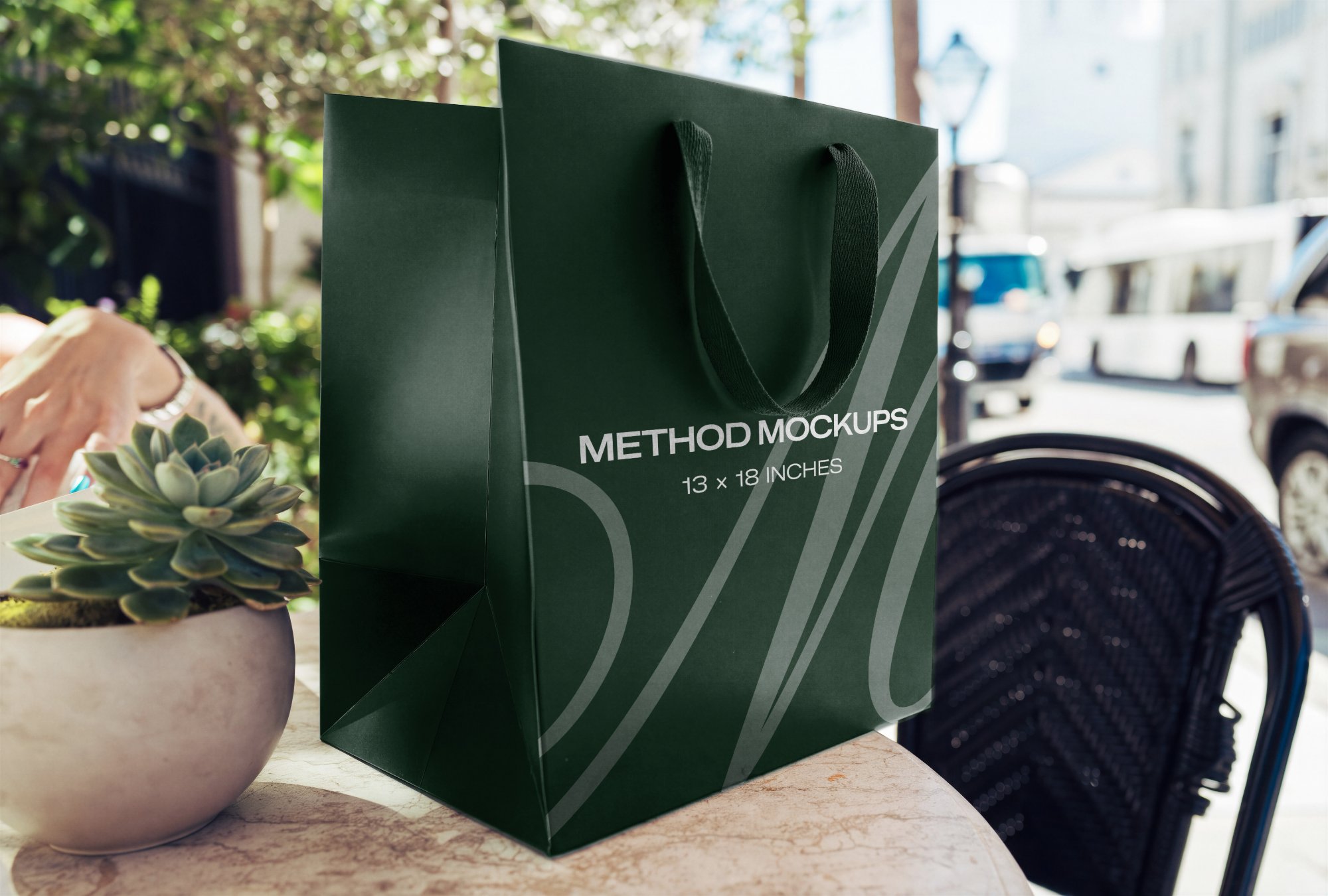
Shopping Bag — Sidewalk Café
Fully adjustable colors and shadows
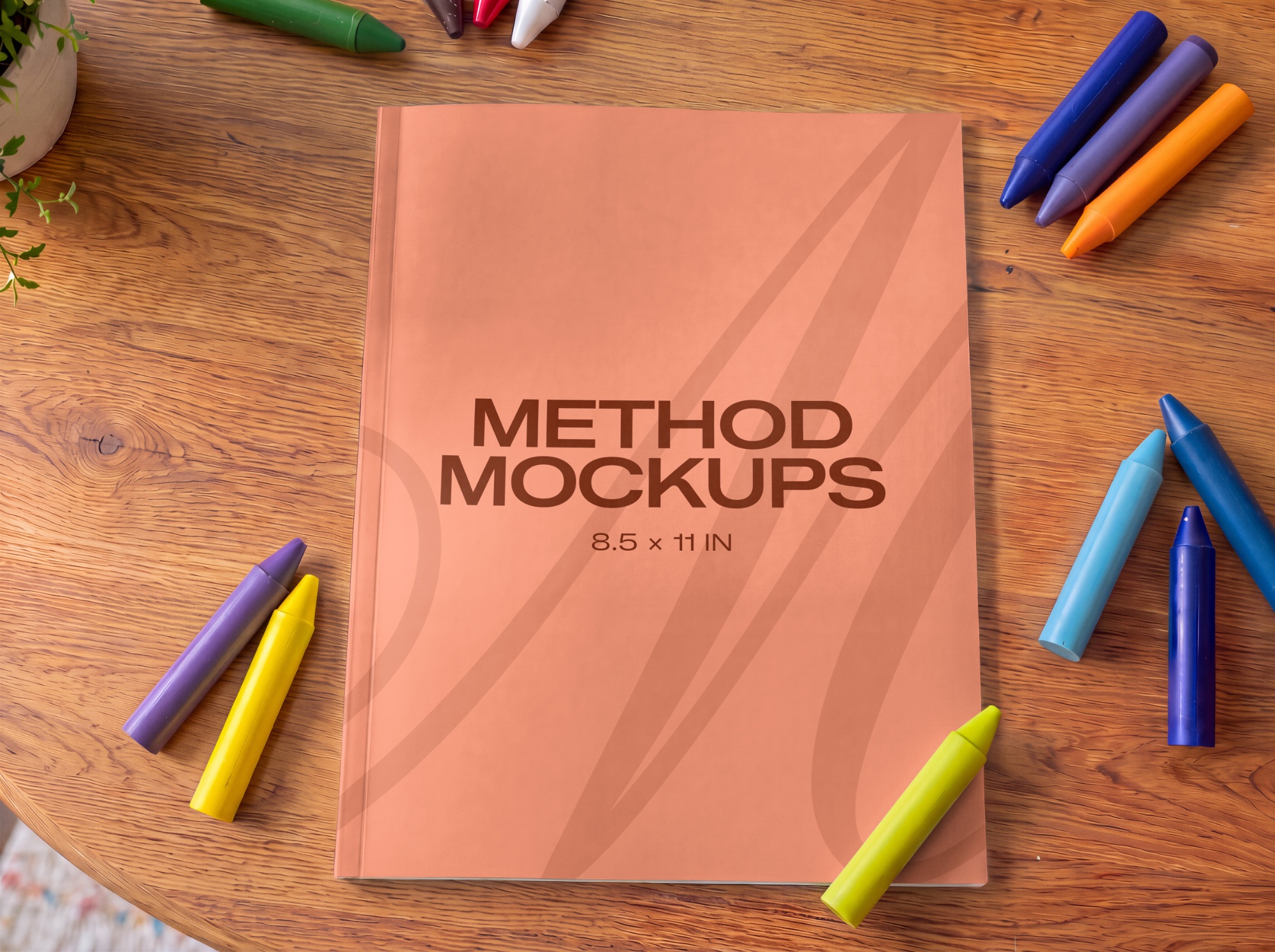
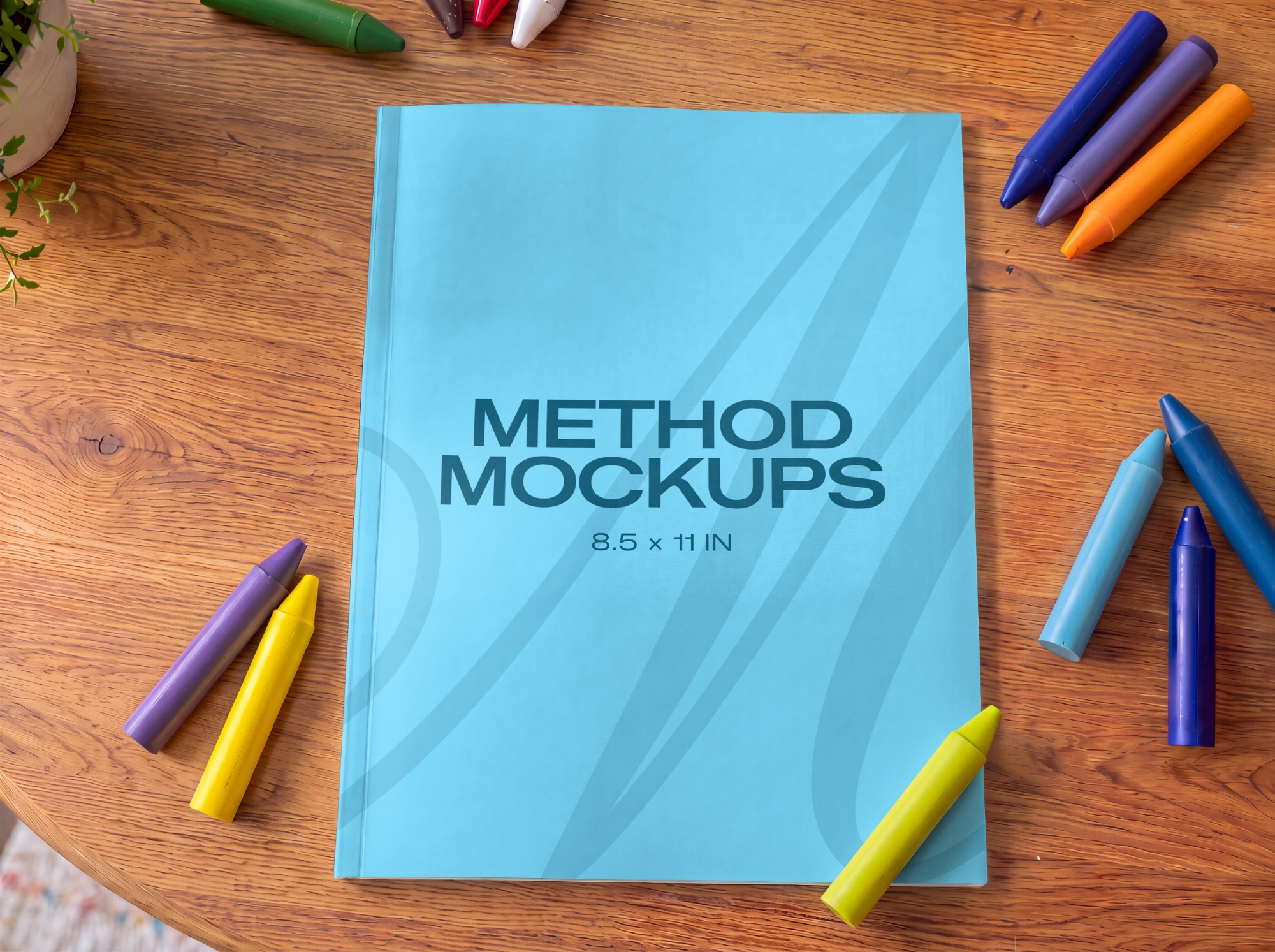
Kids Coloring Book Cover
Fully adjustable shadows
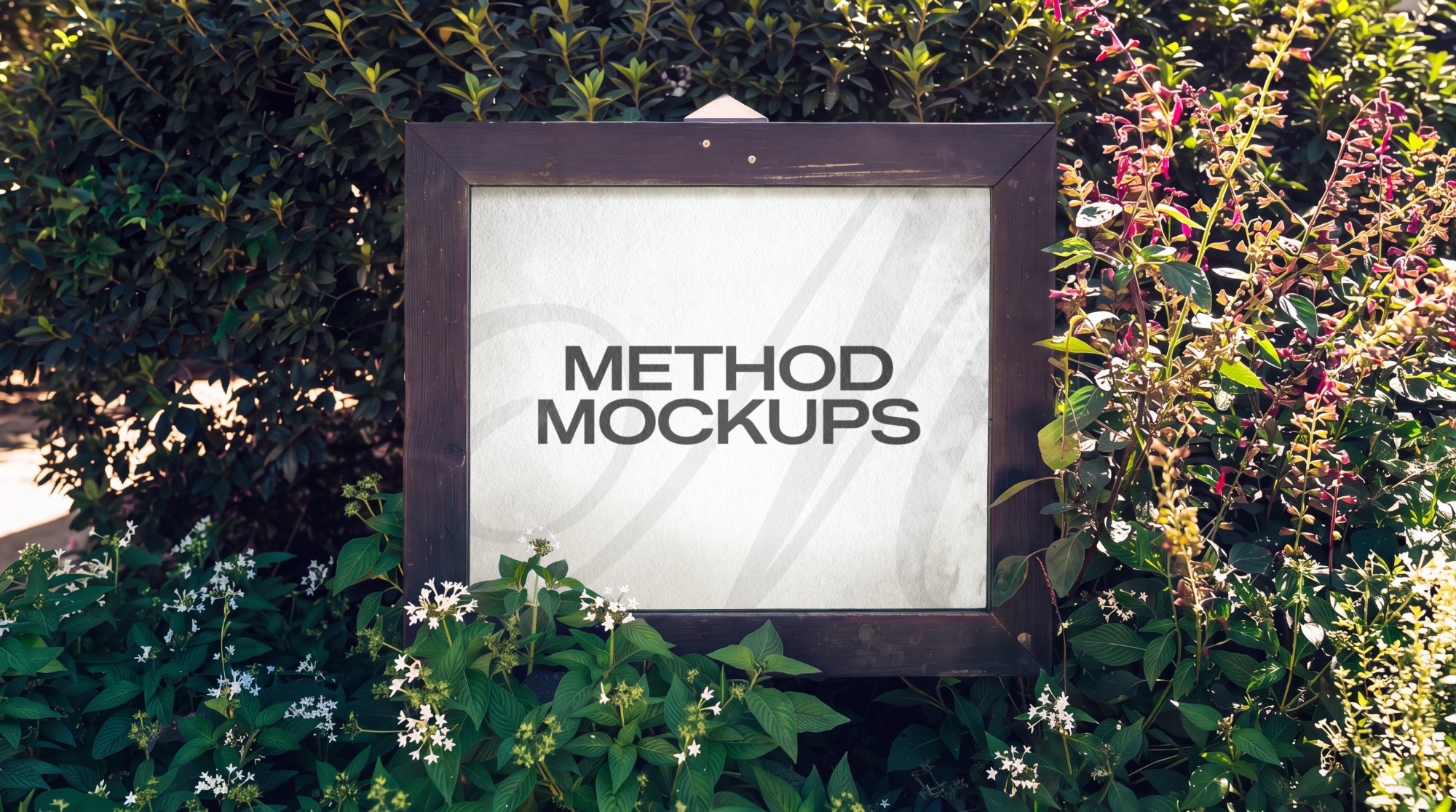
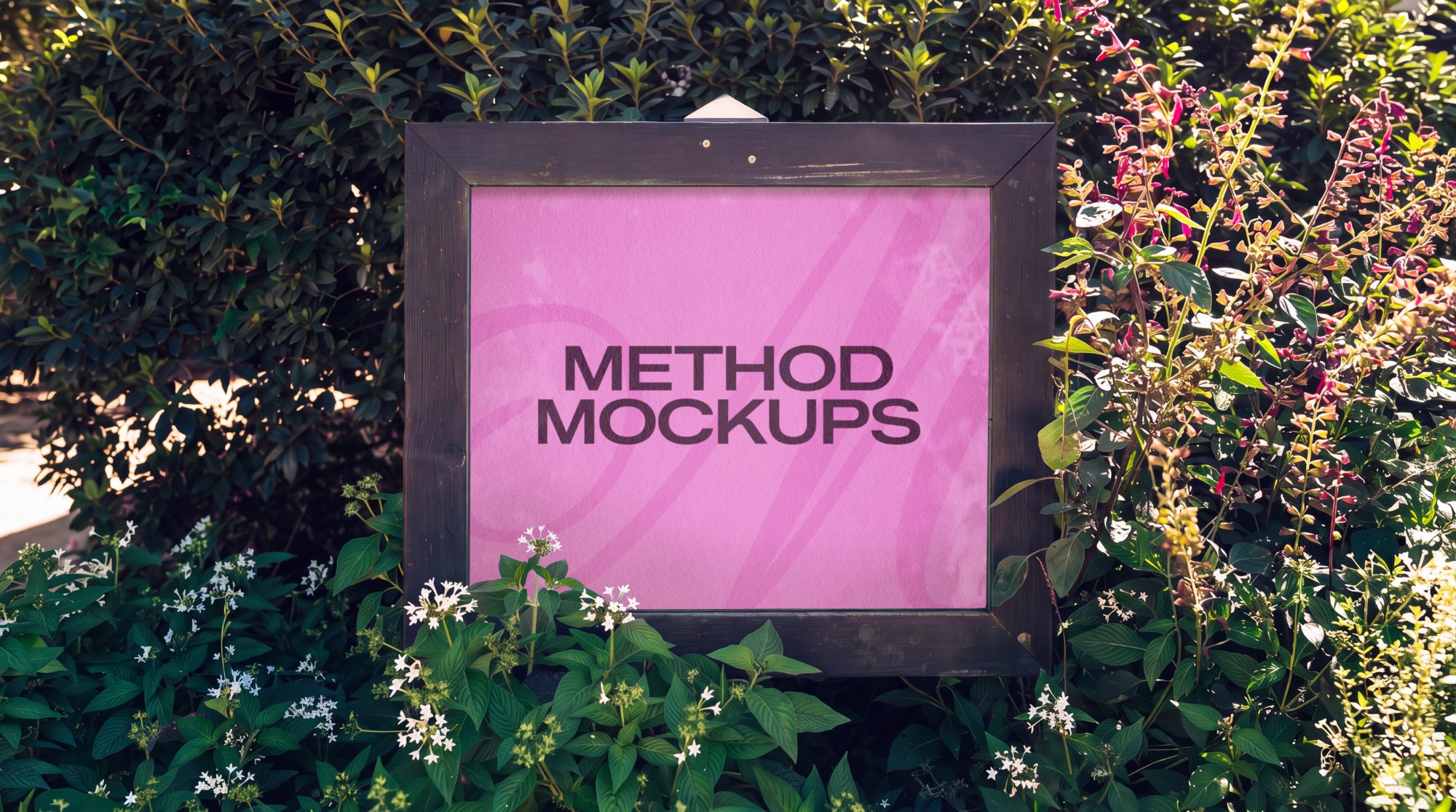
Garden Sign in Dark Wood Frame
Fully adjustable reflections
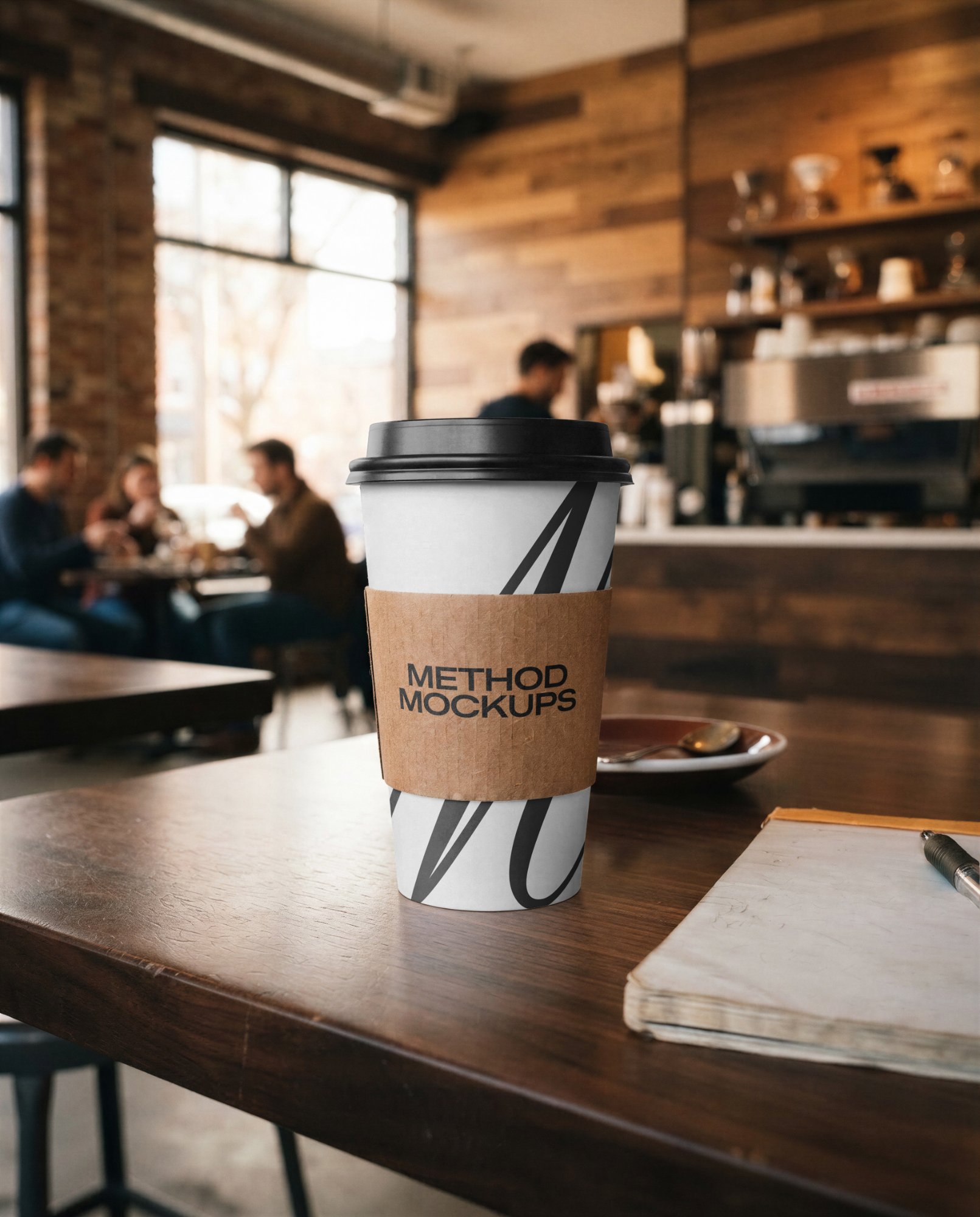
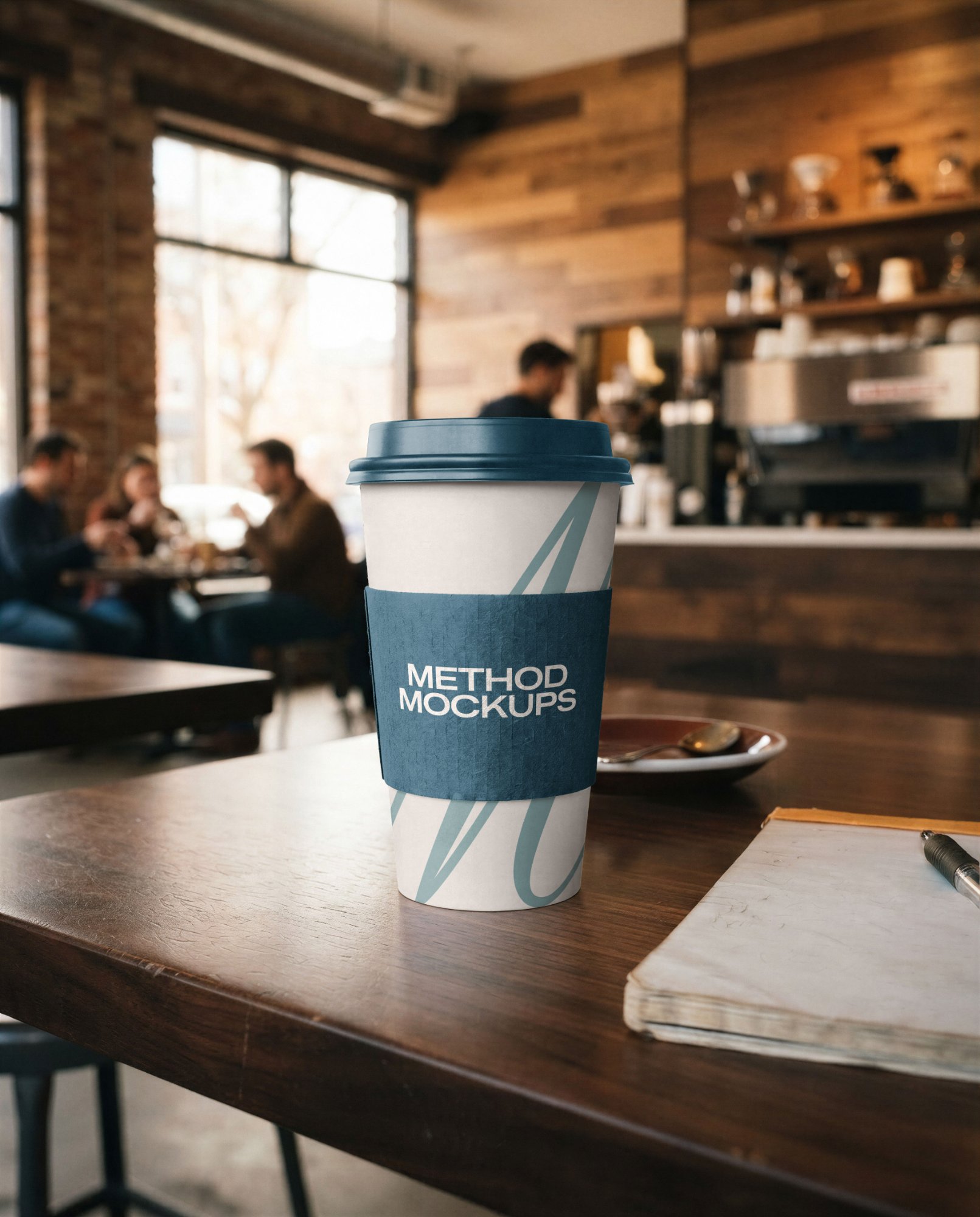
To-Go Coffee Cup with Sleeve
Fully adjustable colors and shadows
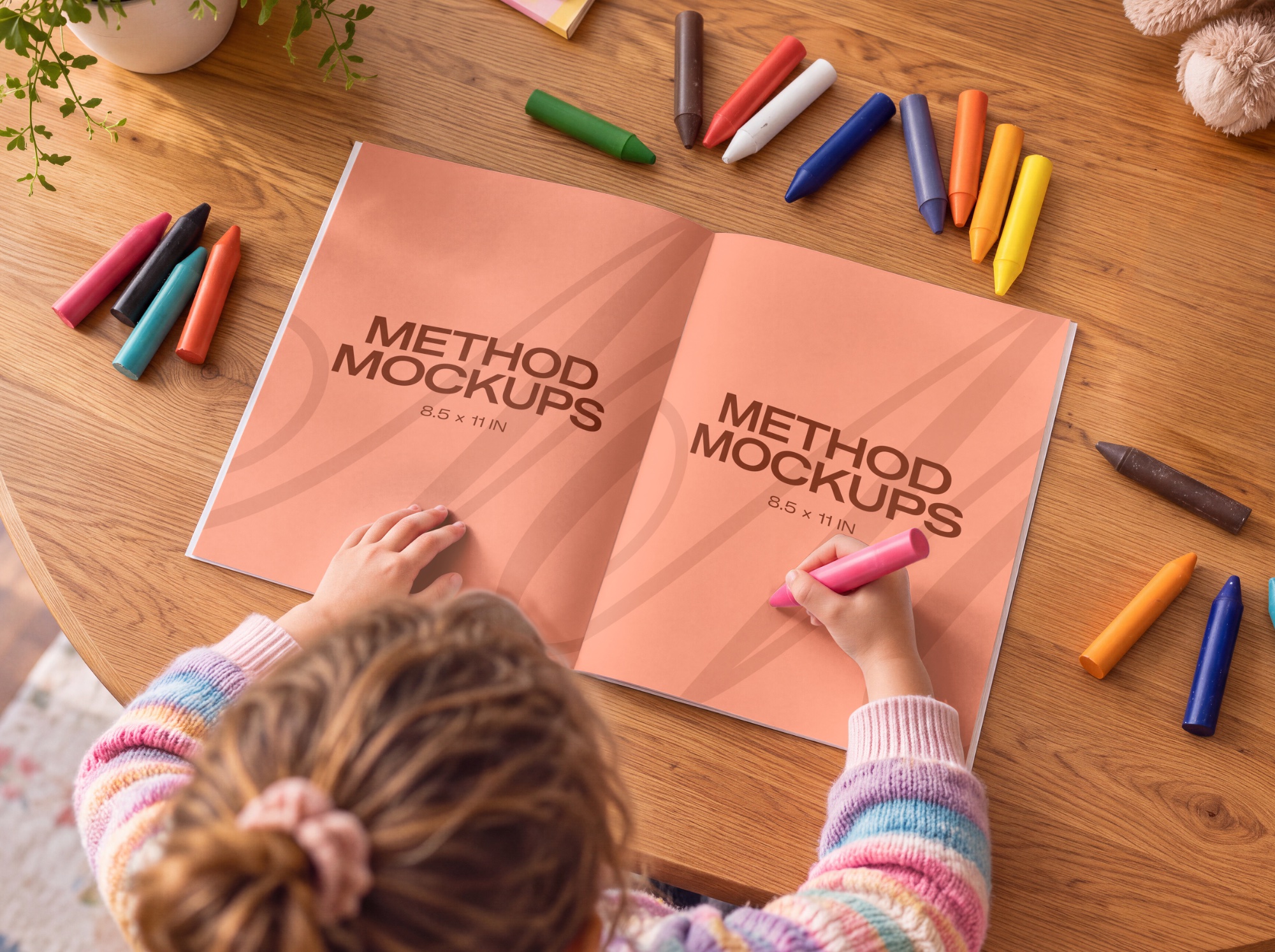
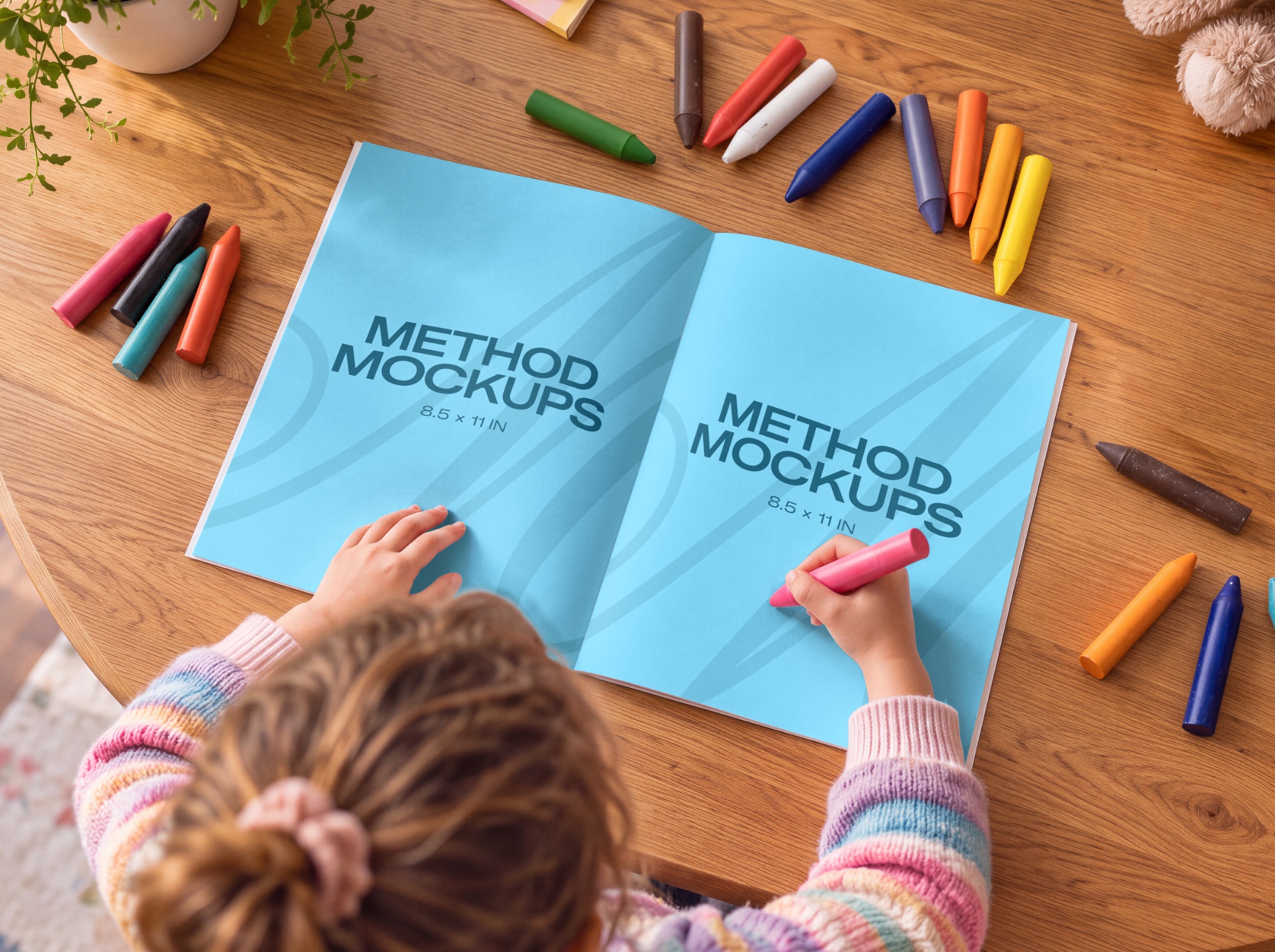
Kids Coloring Book at Table
Fully adjustable shadows
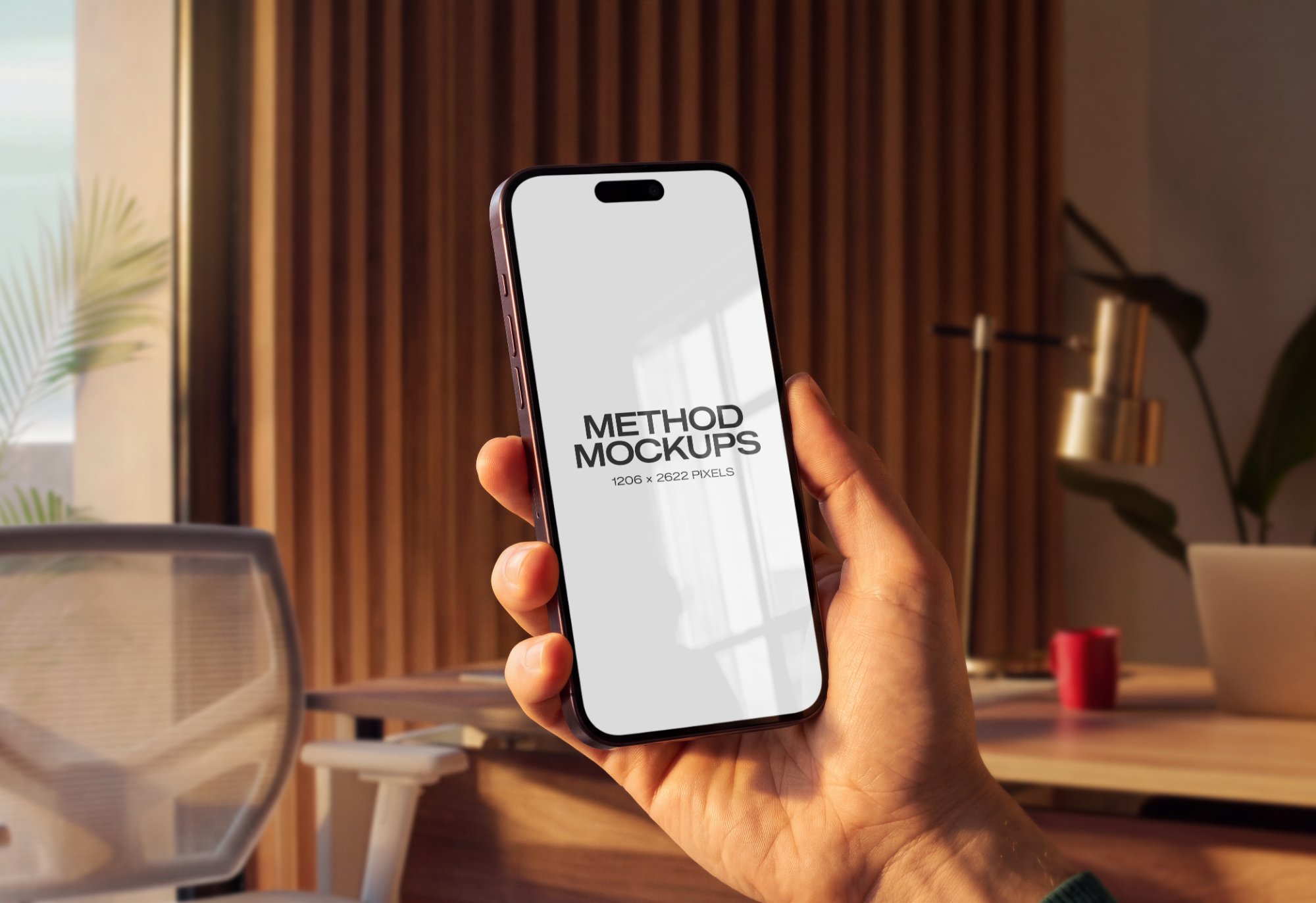
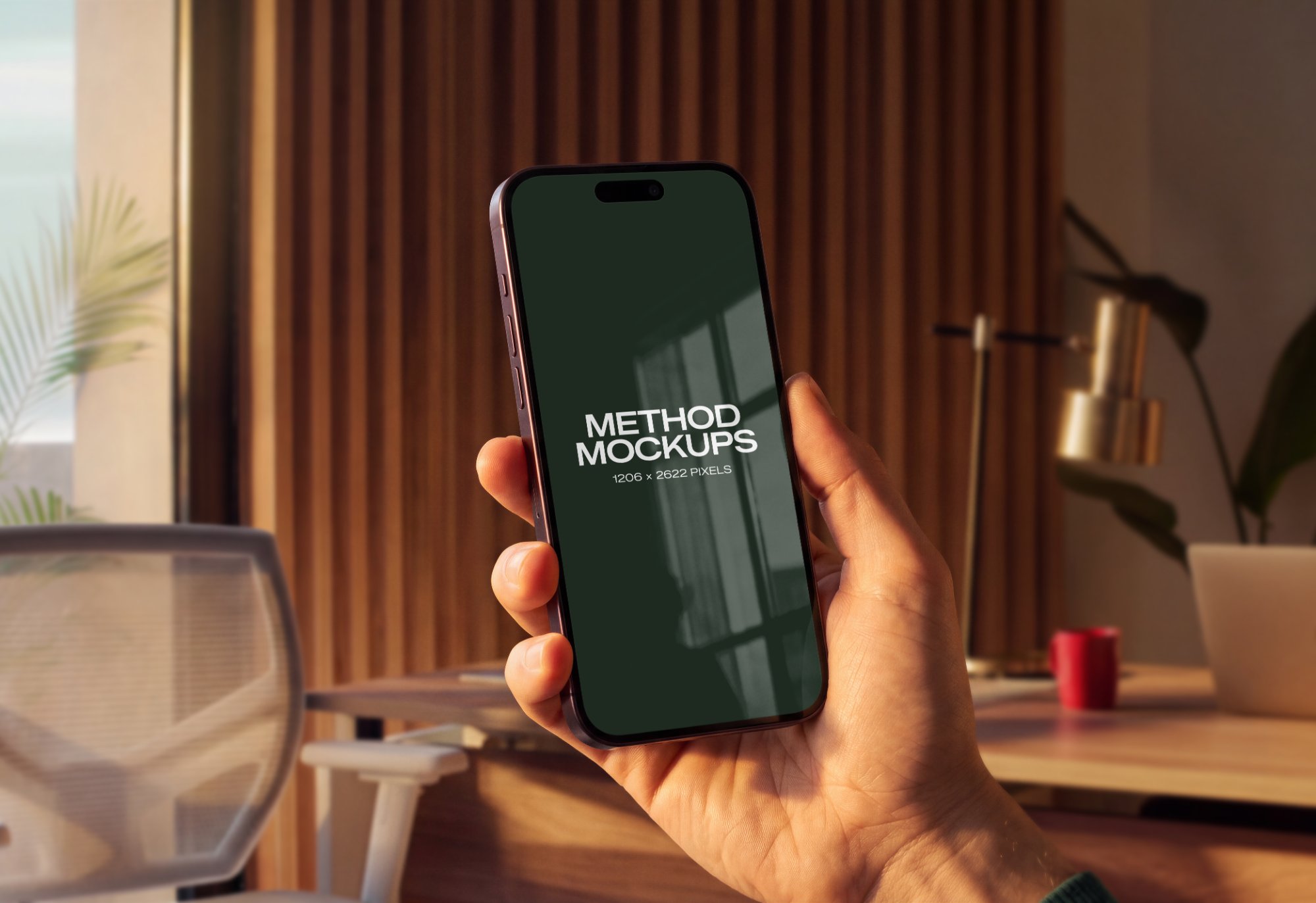
iPhone 18 Pro Modern Office
Fully adjustable reflections
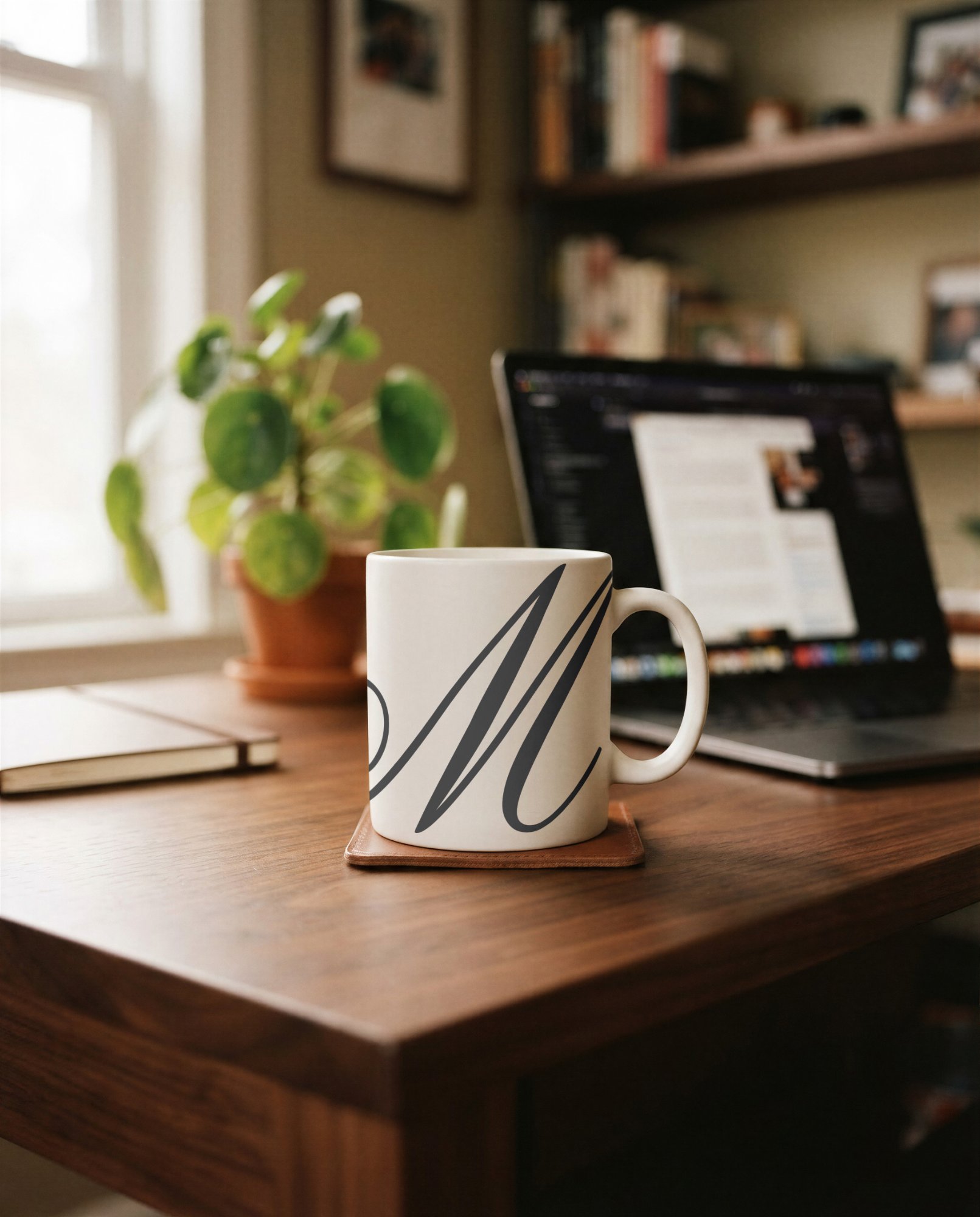
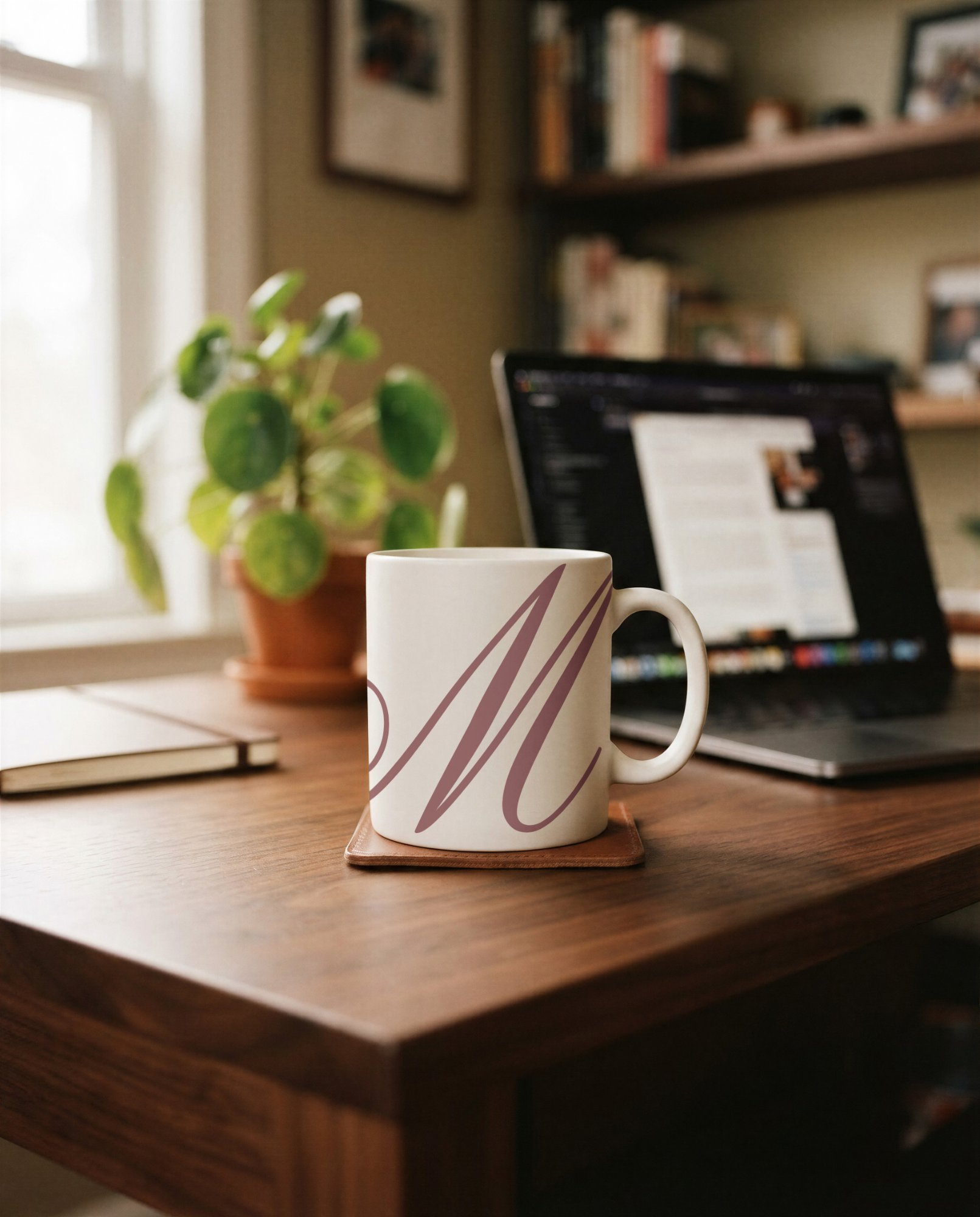
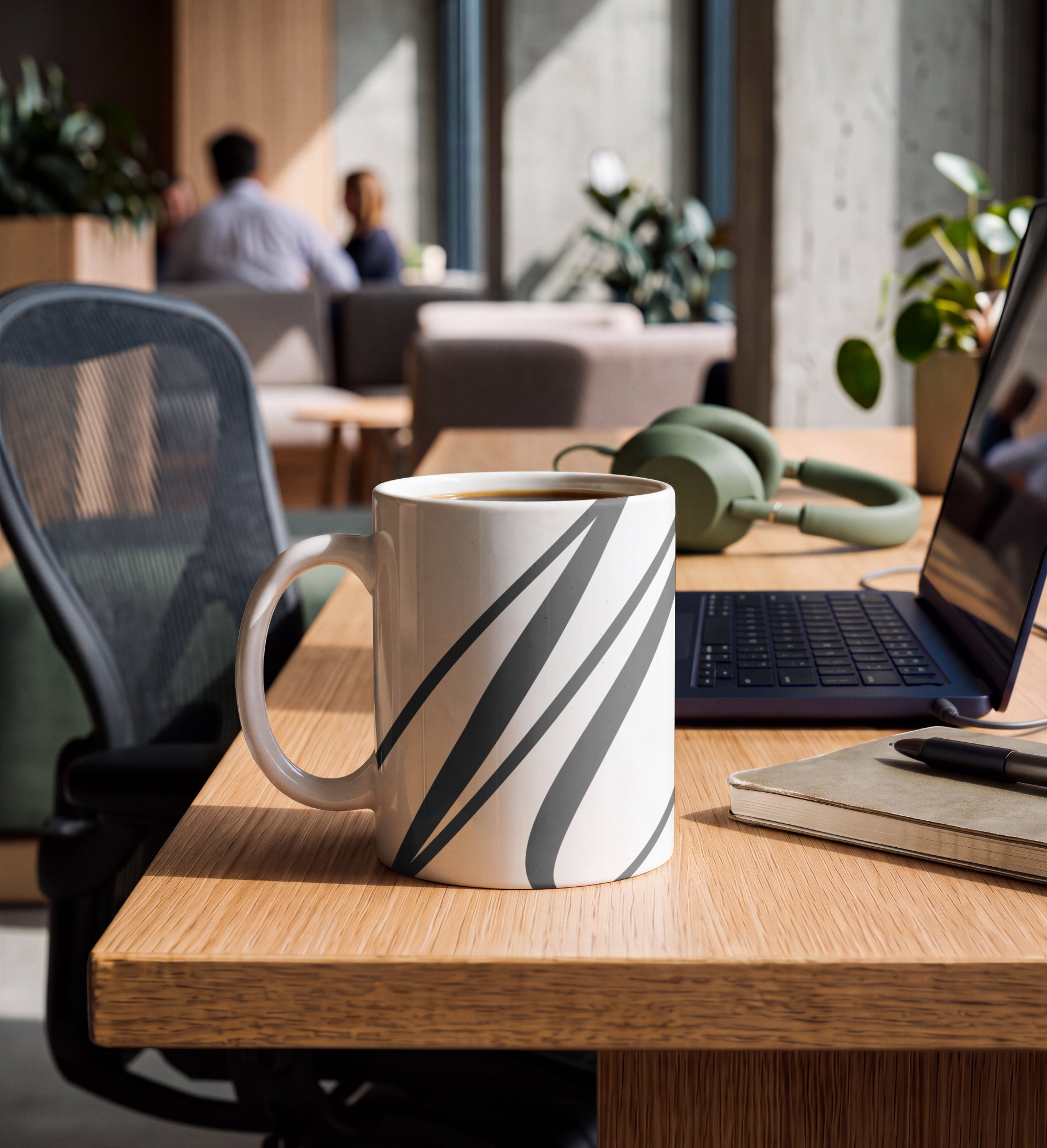
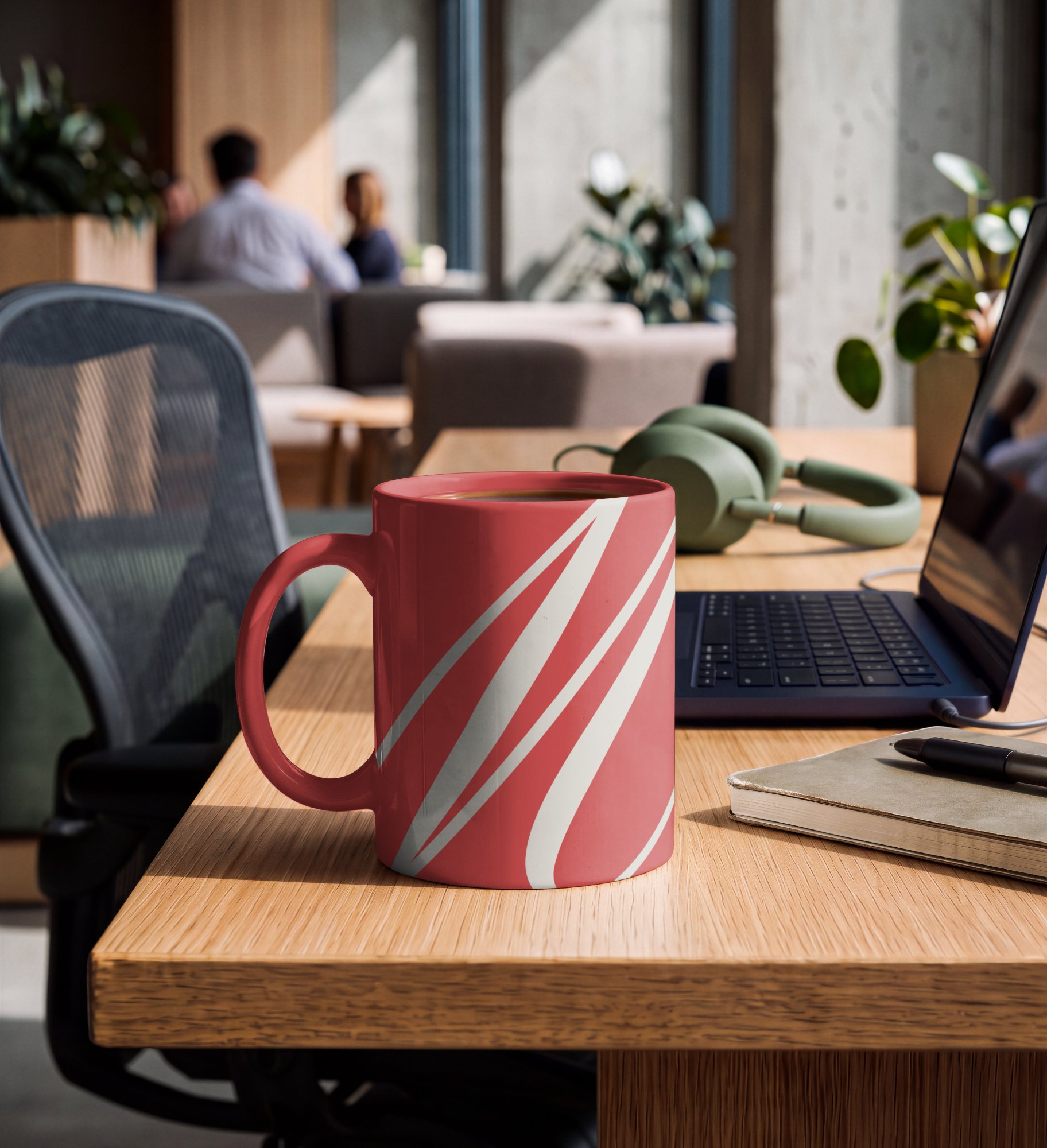
Home Office Coffee Mug
Fully adjustable shadows
- Free
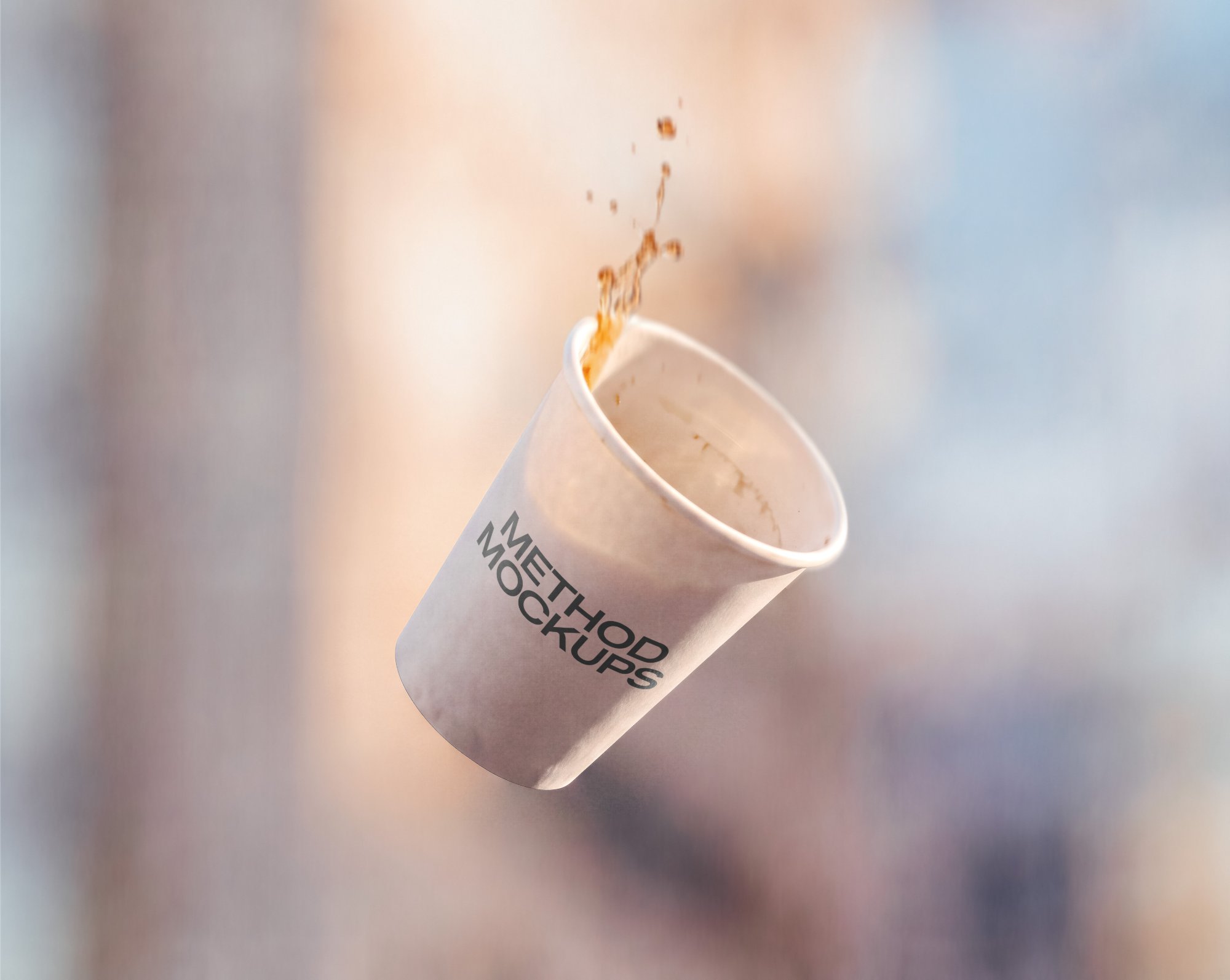
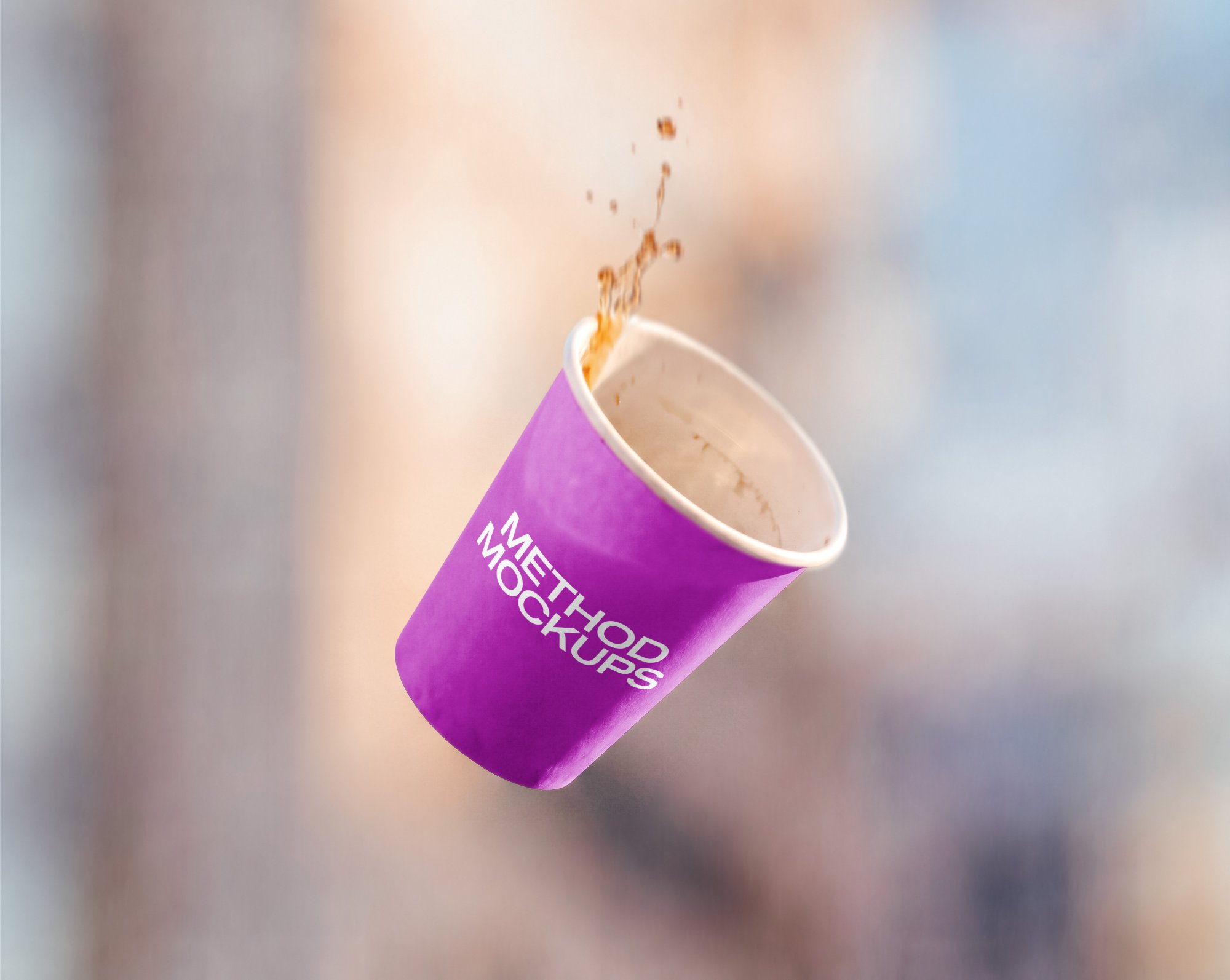
Falling Takeaway Coffee Cup
Fully adjustable shadows
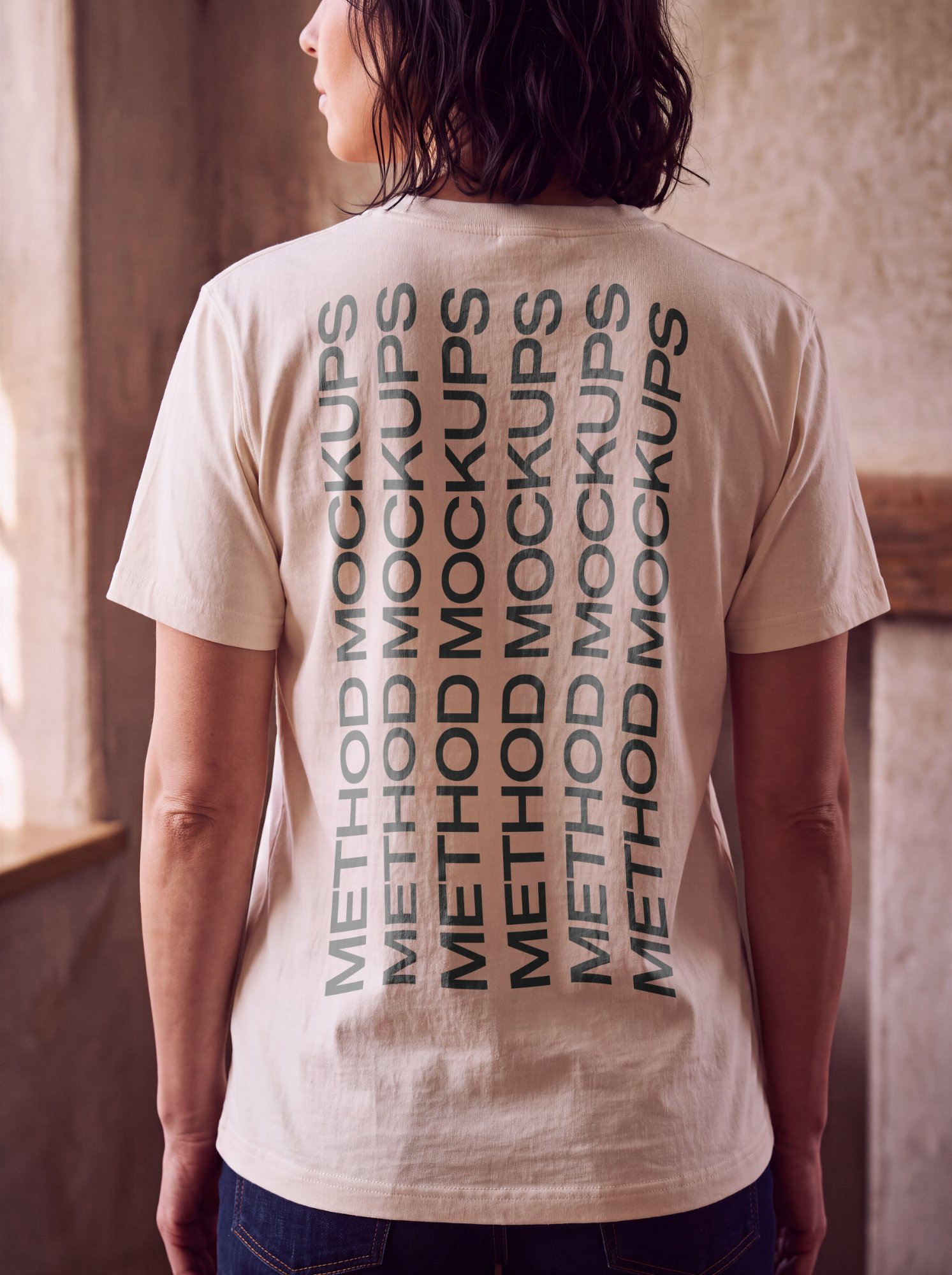
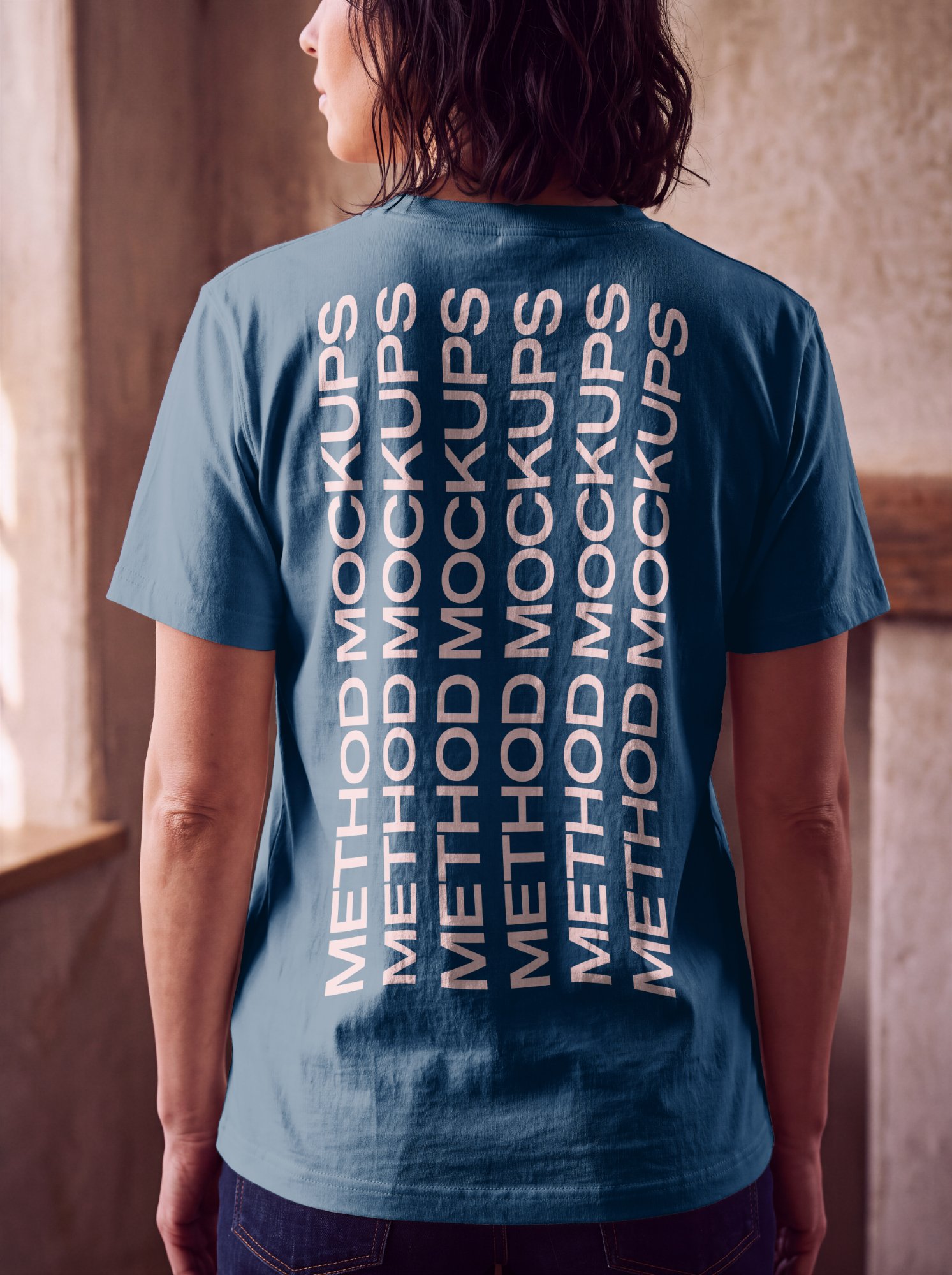
T-Shirt — Back View, Worn on Model
Fully adjustable shadows
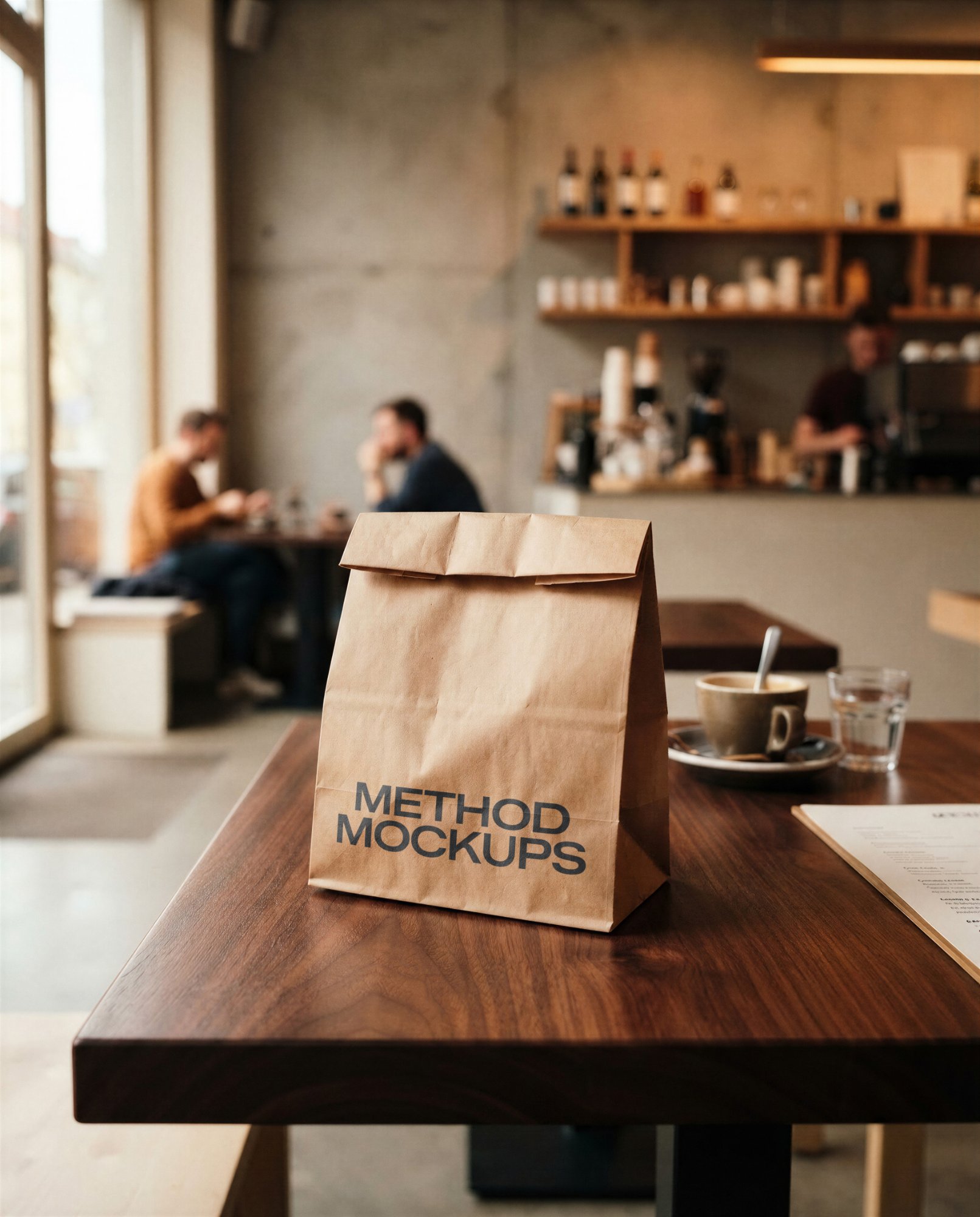
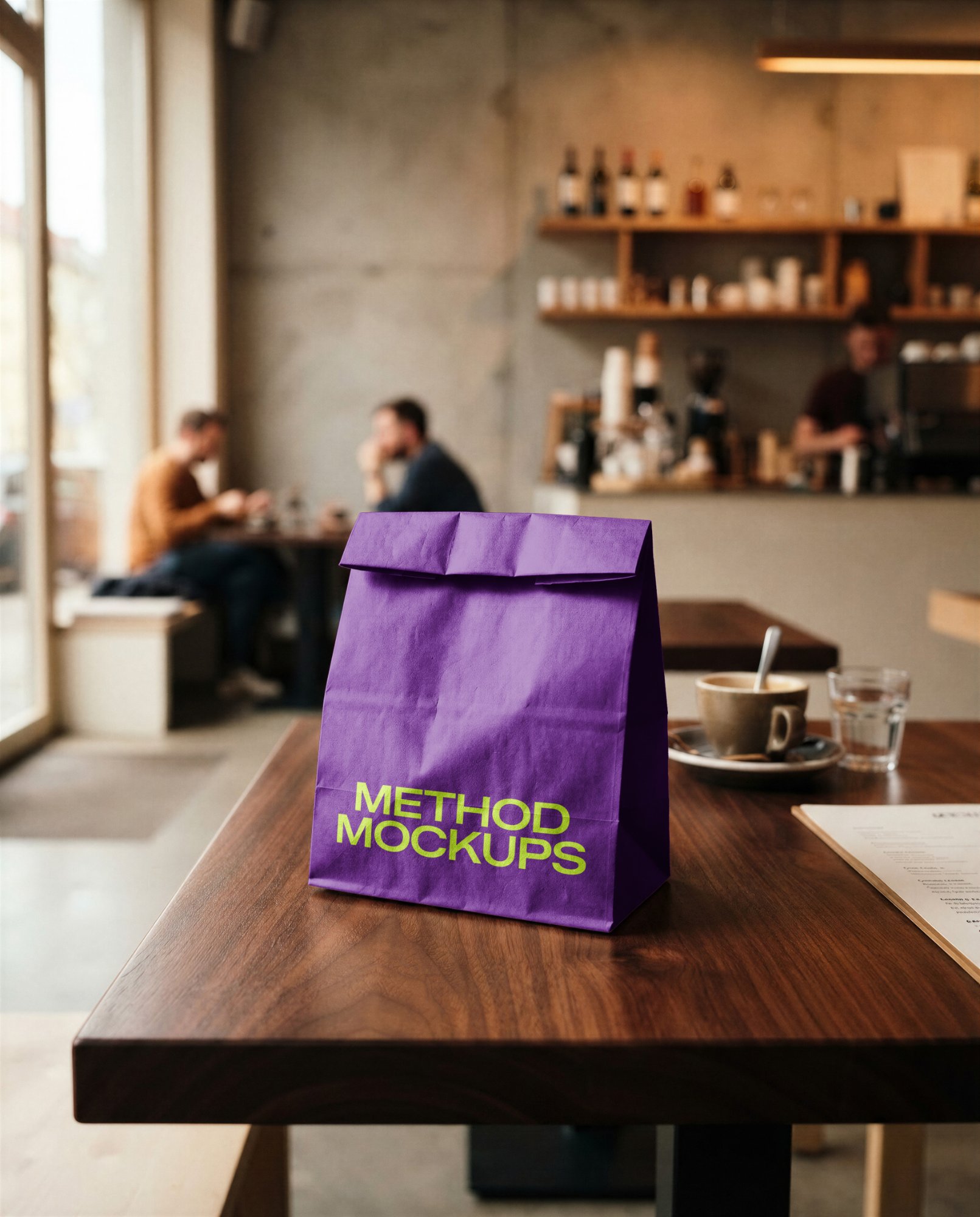
Coffee Shop Kraft Paper Takeout Bag
Fully adjustable shadows
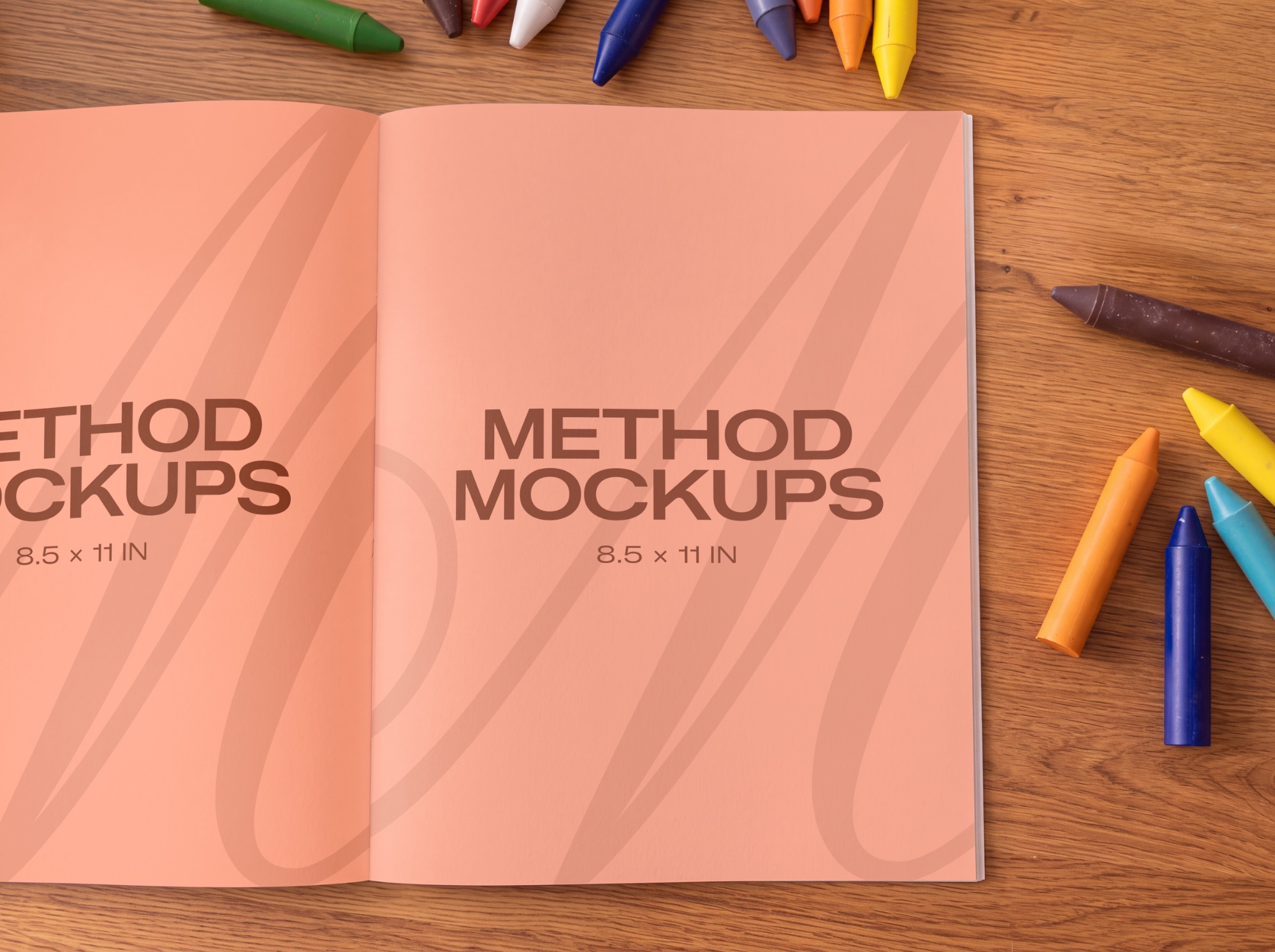
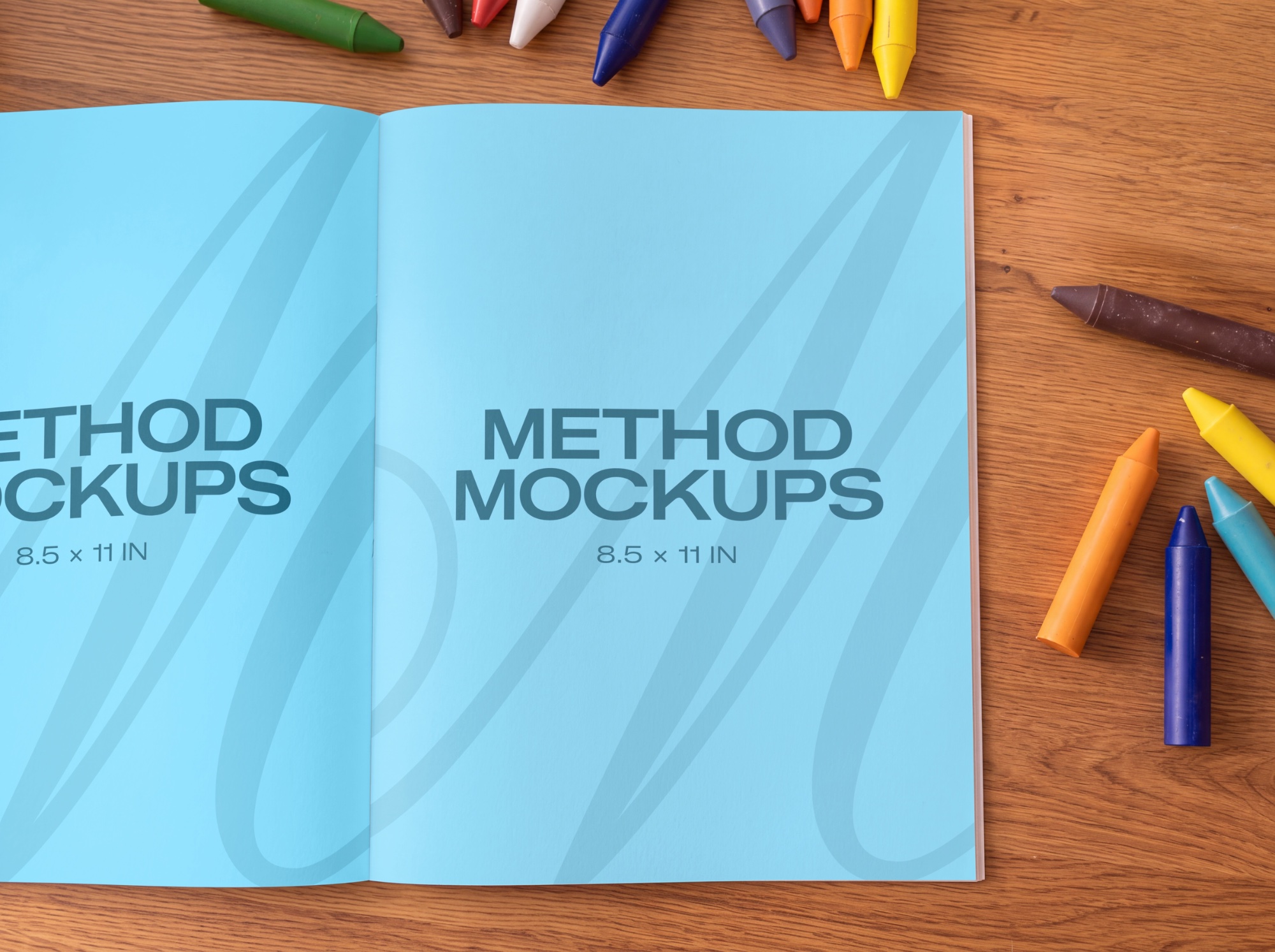
Kids Coloring Book Close Up
Fully adjustable shadows
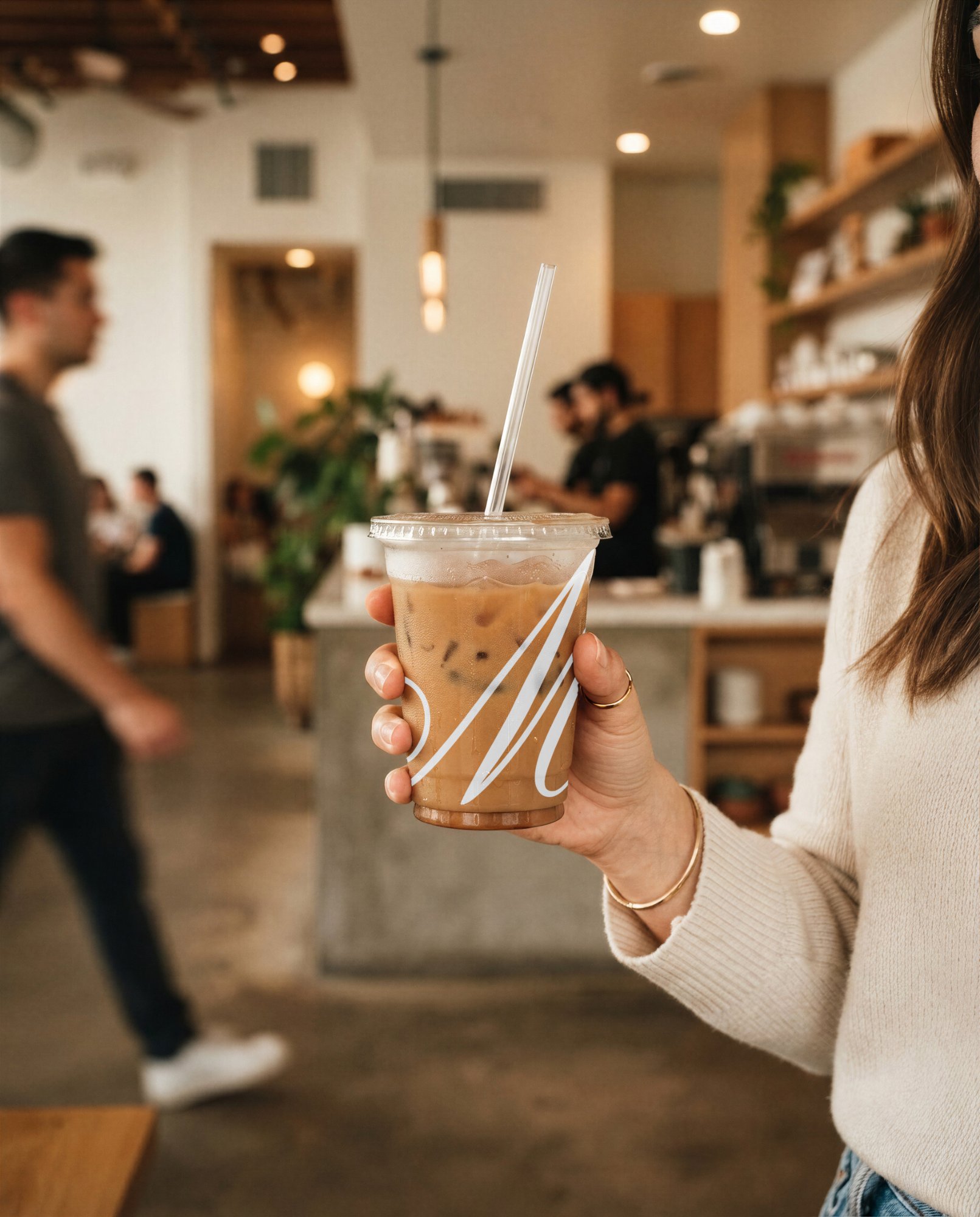
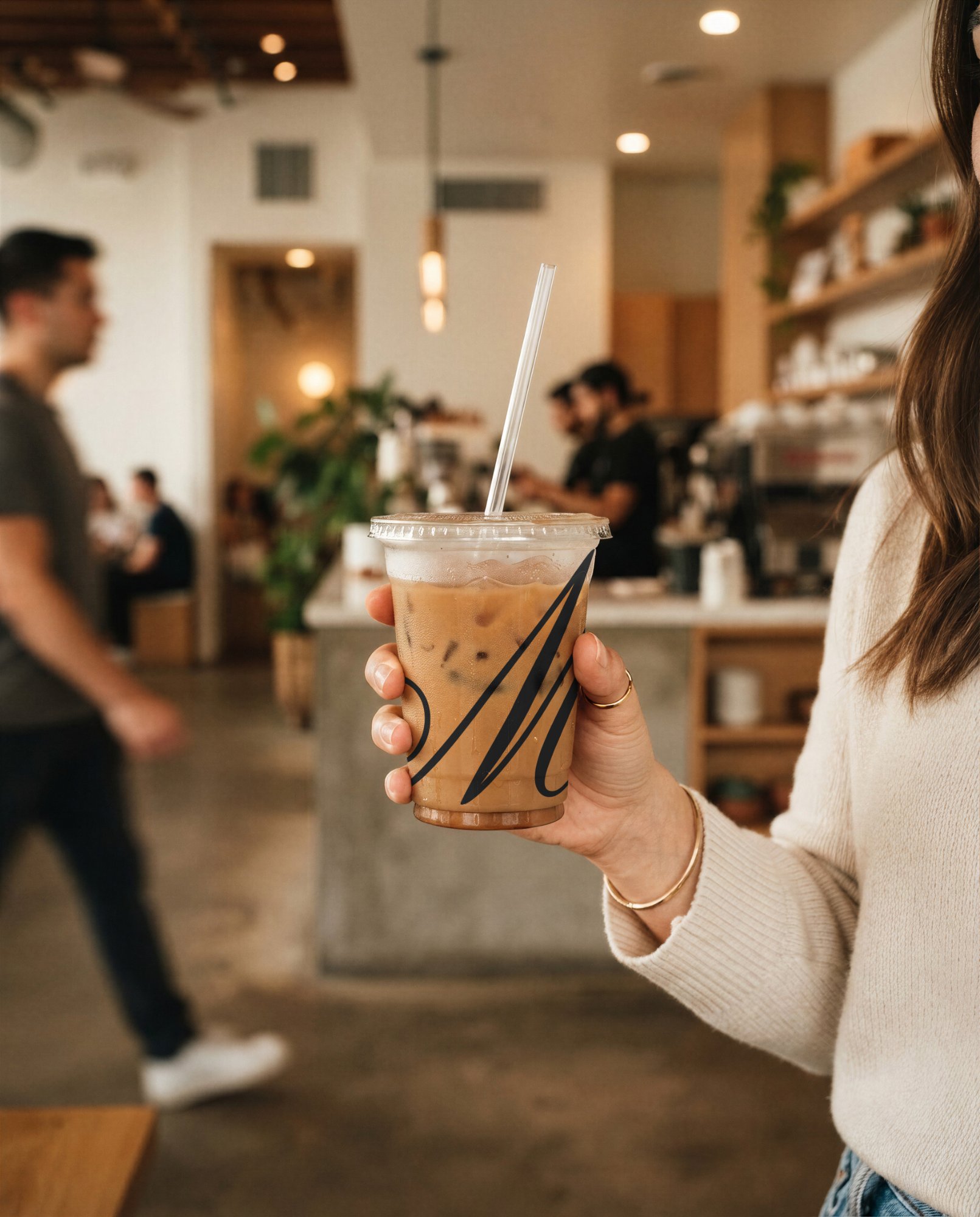
Iced Coffee Cup — Held in Hand
Fully adjustable shadows
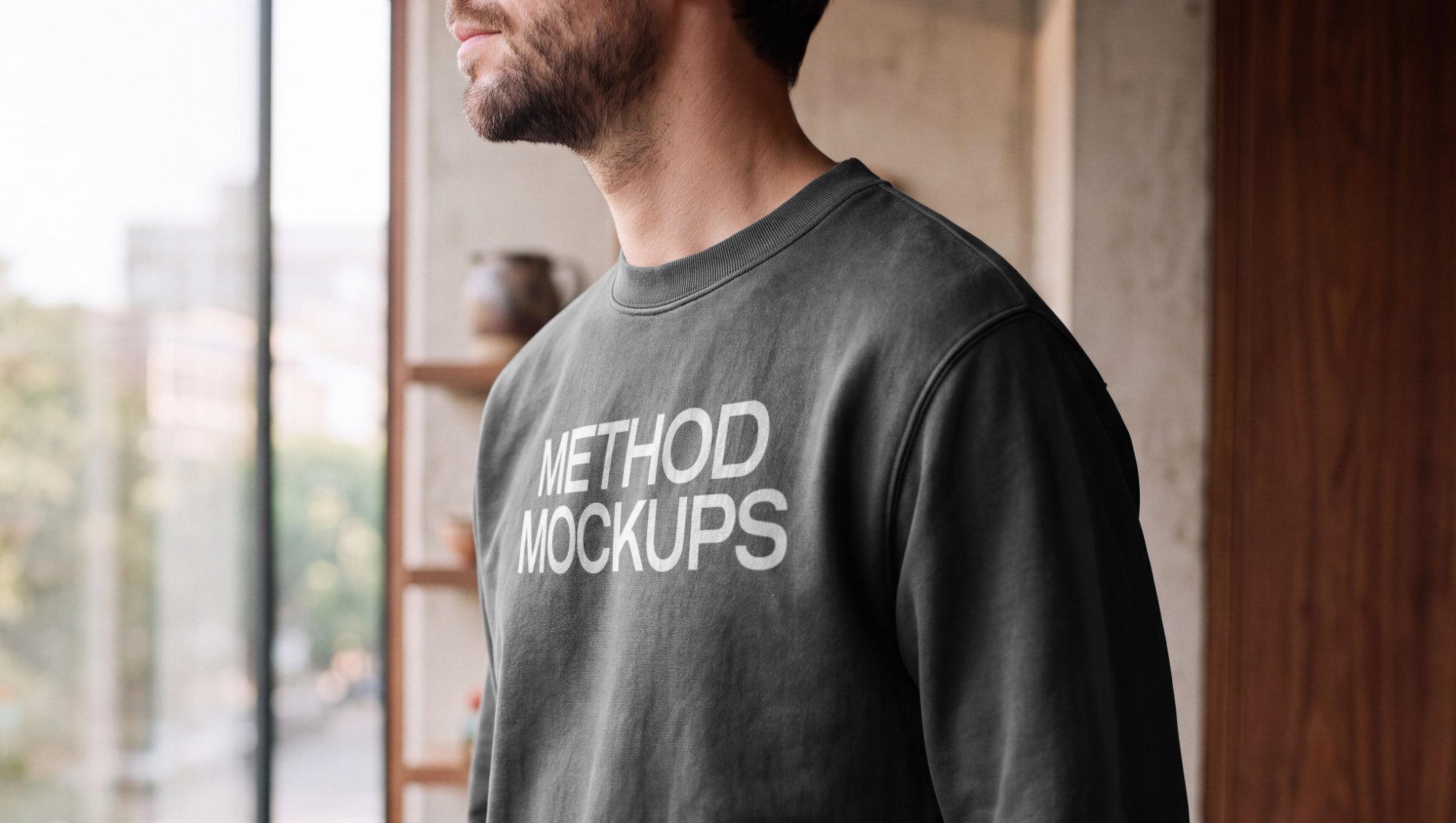
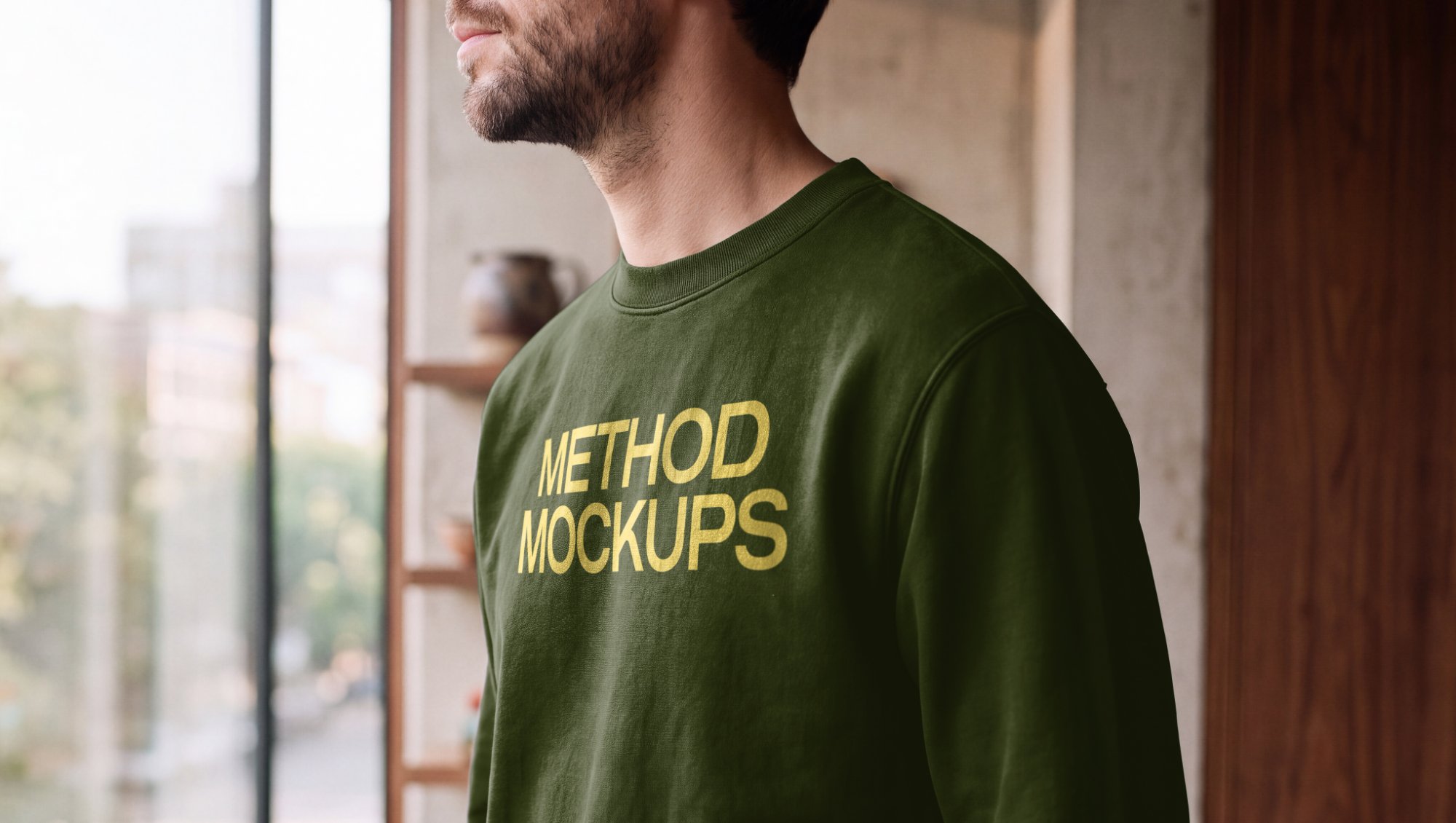
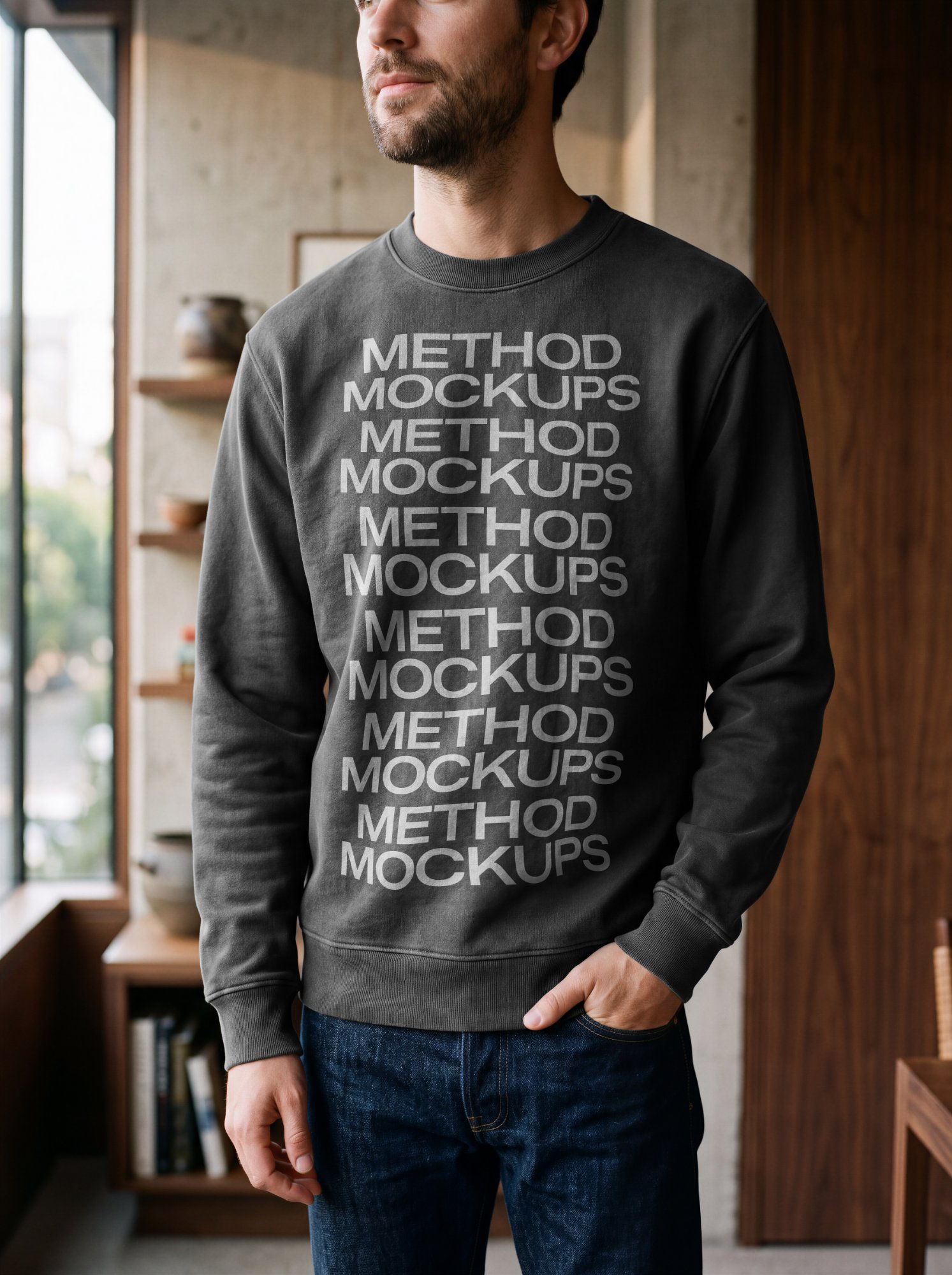
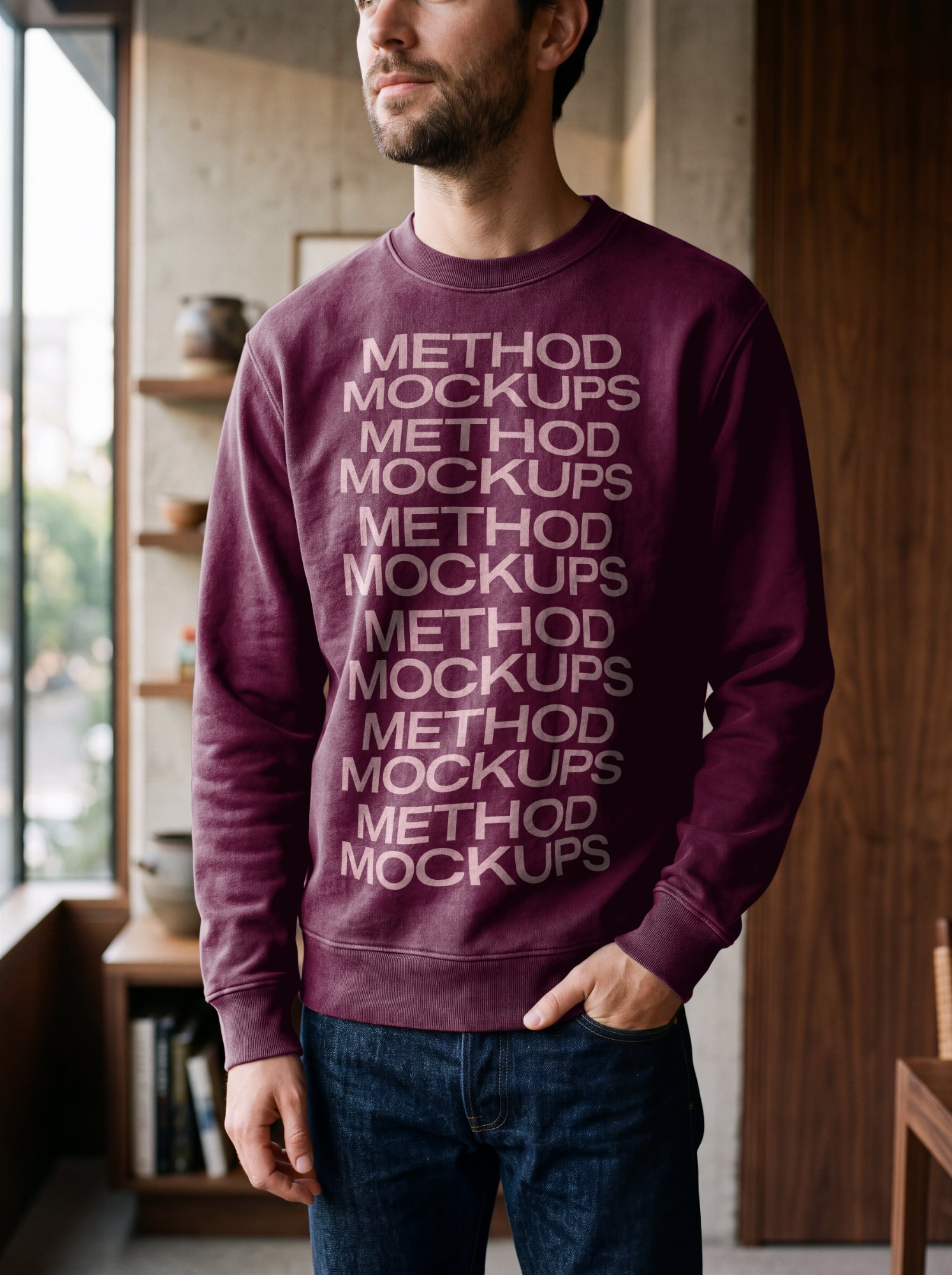
Men's Crewneck Sweatshirt — Chest Detail
Fully adjustable shadows
About
Mockups for real products, made in your browser
Method Mockups puts your artwork onto real photographs, not flat templates. Upload a logo, label, print or screen design, drag it into place with true perspective, and adjust highlights and shadows until it matches the light in the photo. Then export a web-ready image or, on paid plans, a full-resolution file for print.
Browse mockups by product
- Phone mockups — iPhone and smartphone screens in real settings
- Coffee cup mockups — takeaway, iced and cold brew cups
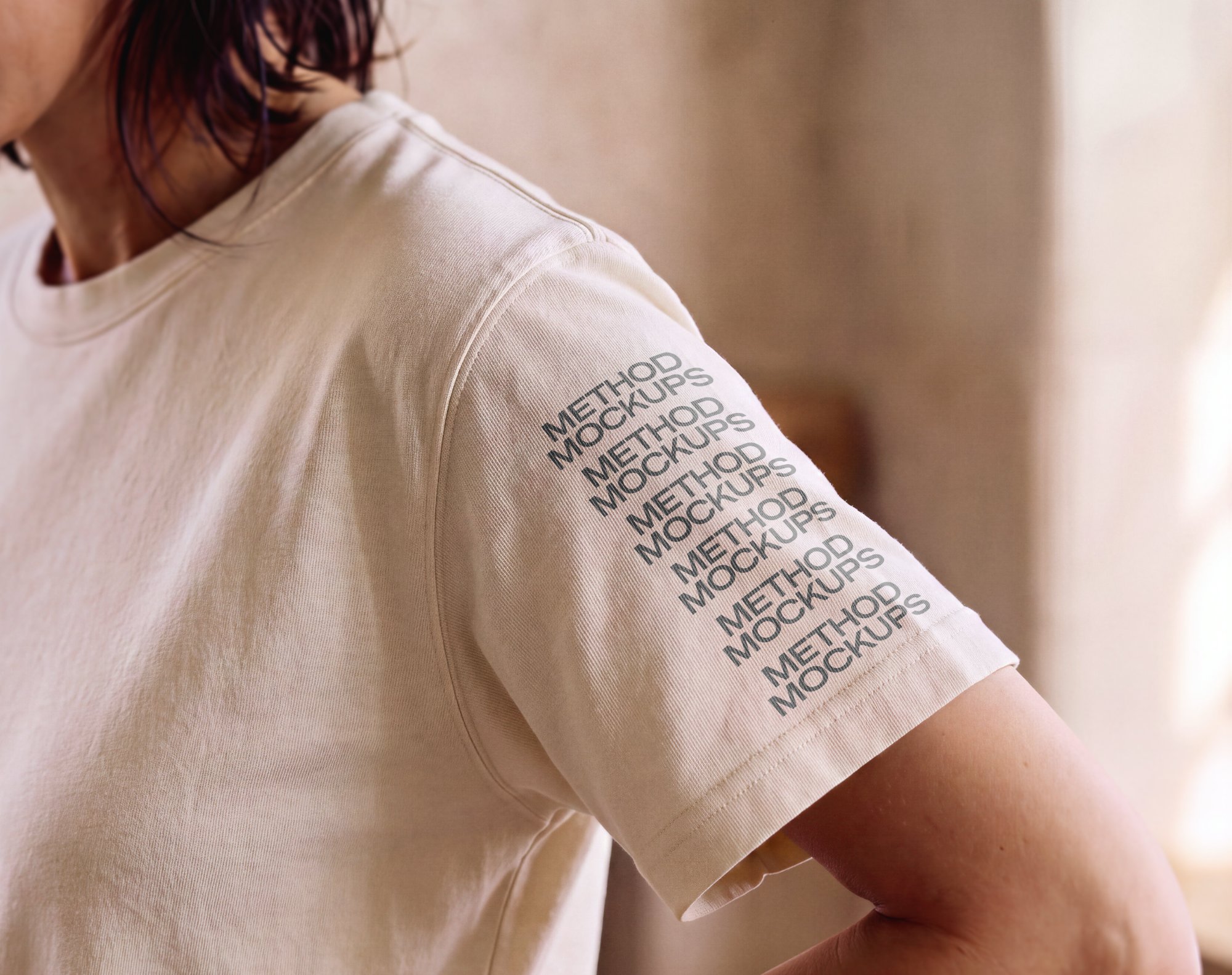
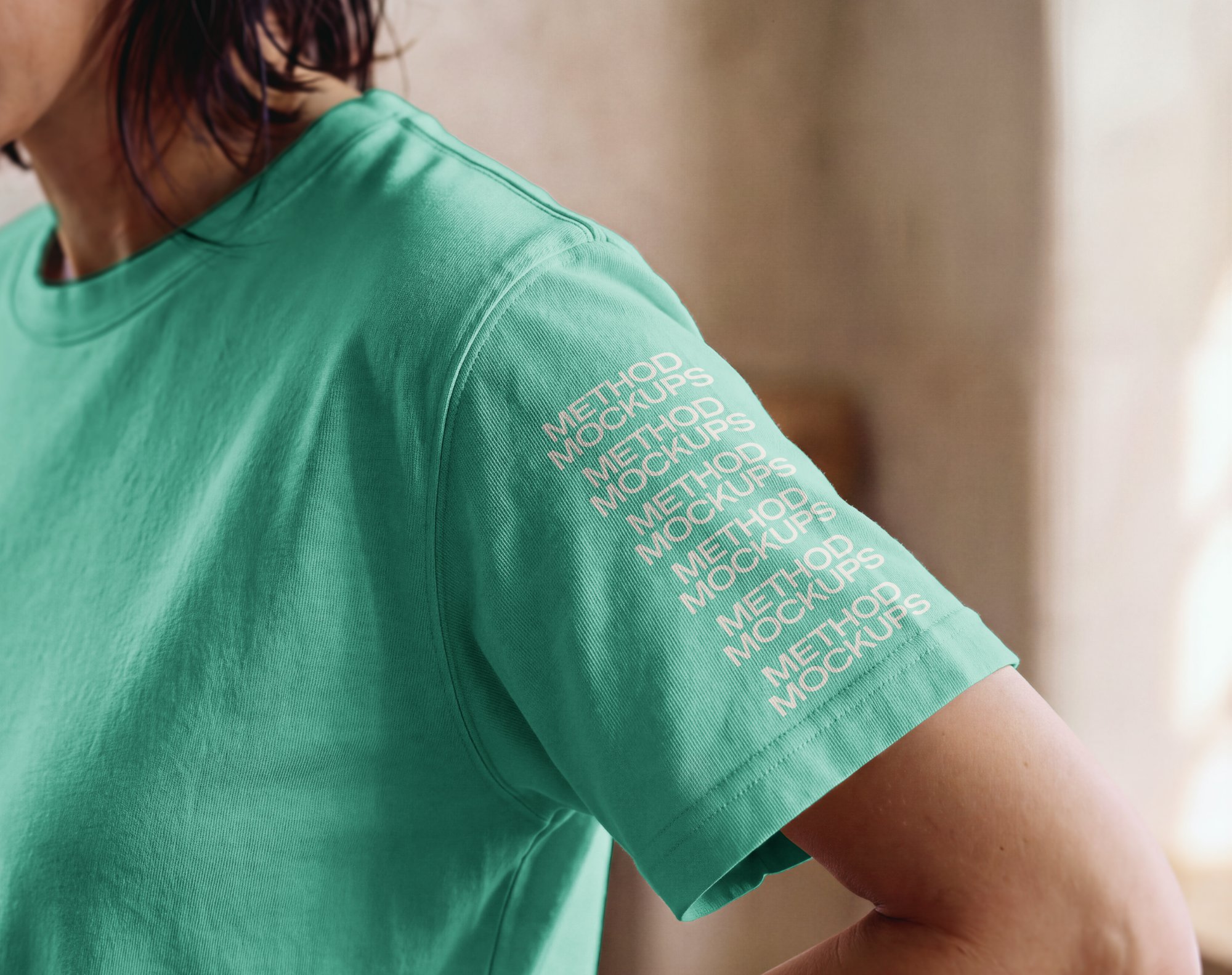
- T-shirt mockups — worn on models, front, back and sleeve
- Bag mockups — shopping, takeout and tote bags
- Laptop mockups — coffee-shop and morning-coffee scenes
Selling on Etsy? See mockups for Etsy sellers →
Questions
Frequently asked
Do I need Photoshop?+
No. Everything happens in your browser. Upload a PNG or JPG, position it, adjust the lighting and download the result.
Is it free?+
You can try every mockup for free, with no account needed. Free exports include a watermark and are capped at web resolution (about 1600px). Mockups marked Free download without a watermark once you create a free account. Upgrading removes the watermark everywhere and unlocks full-resolution, print-ready downloads.
What file formats can I upload and download?+
Upload PNG or JPG artwork — a logo on a white background works too, since the white can be removed automatically. Export as PNG or JPG.
Can I change the color of the product?+
On most mockups, yes — look for the Color tab in the editor. Highlights and shadows can be adjusted on every mockup so your design matches the light in the photo.
Can I use the mockups for client work or in my store?+
Yes — the finished export, your design composited onto the mockup, is yours to use for any purpose, including commercial work. What's not included is reselling or redistributing our mockup photos on their own.
How is this different from a Photoshop mockup?+
A Photoshop mockup needs Photoshop, smart objects and some setup. Here you upload your design and see it in place immediately, with no software to install.
Desktop or mobile — always studio quality.